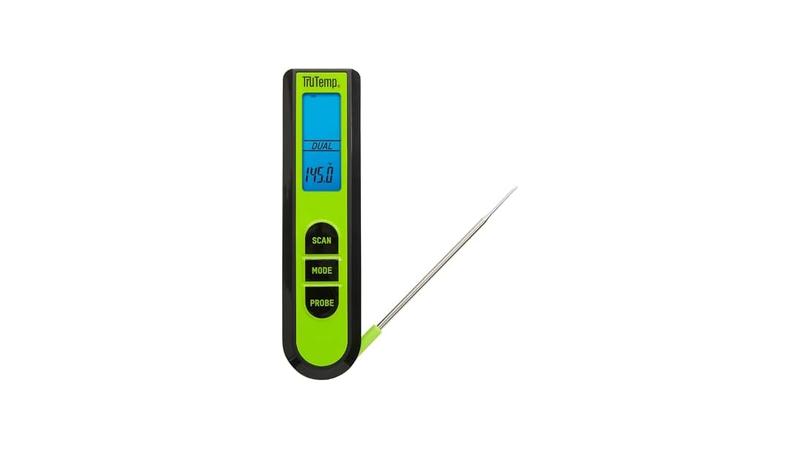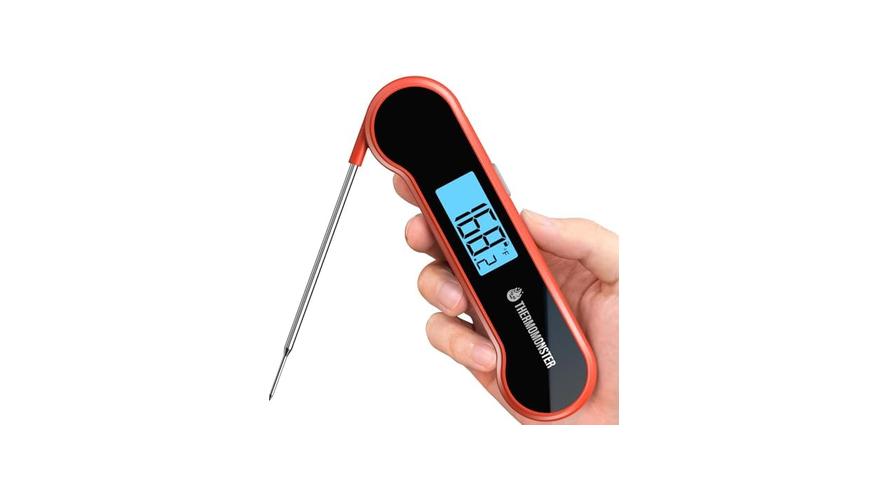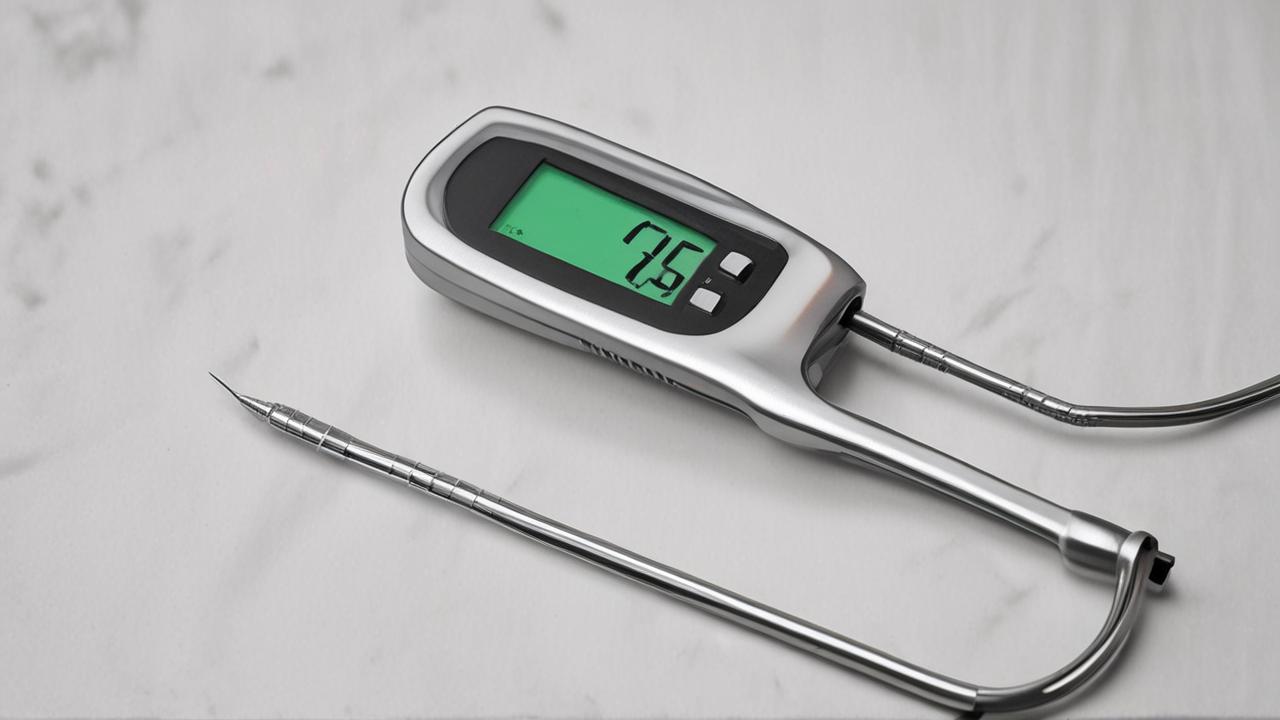
Sometimes, your handy meat thermometer just won’t charge, and figuring out the Meat Thermometer Not Charging Fix can seem tricky, especially if you’re new to gadgets. You might think it’s broken for good, but often, the fix is much simpler than you imagine! Don’t worry, this guide will walk you through easy steps to get your thermometer powered up again.
We’ll explore common issues and simple solutions that don’t need fancy tools.
Common Reasons for a Meat Thermometer Not Charging
It’s frustrating when your favorite cooking tool stops working. A meat thermometer that won’t charge can throw a wrench in your meal prep. This section looks at the most common reasons this happens.
We’ll break down why simple problems can seem like big ones to beginners and explore the most likely culprits behind a dead battery.
Power Source Issues
The first place to check is the power itself. Your thermometer needs a good connection to get juice. This means looking at the power cord, the outlet, and even the charging adapter.
- Cable Damage: The charging cable can get bent or frayed. If you see any damage, it might not be able to send power. Try a different cable if you can.
A damaged charging cable is a frequent offender. Over time, repeated bending or pulling can break the tiny wires inside. This stops the flow of electricity needed to power up your device.
Always handle charging cables with care. Avoid wrapping them too tightly or yanking them from the port.
- Faulty Outlet: The wall outlet you’re using might not be working. Test it with another device, like a lamp or phone charger.
Sometimes, a simple outlet switch can be off, or a circuit breaker might have tripped. It’s easy to overlook the power source itself. Plugging another small appliance into the same outlet can quickly tell you if the problem lies with the wall power.
- Unreliable Adapter: The charging adapter might be loose or not pushing enough power. Ensure it’s fully plugged into the outlet and the cable is snug.
Charging adapters come in different power ratings. If yours is too low, it might not charge the thermometer effectively, or at all. Also, a loose connection where the cable meets the adapter can interrupt charging.
Battery Problems
The battery is the heart of your thermometer’s power. If it’s not holding a charge, the thermometer won’t work.
- Deep Discharge: If the battery has been dead for a very long time, it might be hard to wake up.
Batteries have a lifespan. When they’re completely drained for an extended period, the chemical reactions inside can become sluggish. This is like a car battery that’s been left dead for months; it might not be able to hold a charge anymore, even if you try to jump-start it.
- Internal Battery Wear: All rechargeable batteries wear out over time. After many uses, they just can’t hold as much power.
Lithium-ion batteries, common in many devices, degrade with each charge cycle. This is a natural process. As the battery ages, its capacity to store energy decreases, meaning it will last for shorter periods and may eventually struggle to charge at all.
Device-Specific Issues
Sometimes, the problem is with the thermometer itself.
- Charging Port Dirt: Lint and dust can get into the charging port, blocking a good connection.
The small charging port on your thermometer can easily collect pocket lint or dust from your kitchen. This debris acts like a tiny barrier, preventing the charging cable from making full contact. A blocked port is a very common reason for a Meat Thermometer Not Charging Fix.
It’s a simple physical obstruction.
- Software Glitches: Like any electronic device, a thermometer can sometimes have a temporary software hiccup.
Modern thermometers often have small microchips that manage their functions, including charging. Sometimes, these chips can encounter a minor error, a “glitch,” that stops them from recognizing the charging signal. A simple reset can often clear these minor software bugs.
Troubleshooting Steps for a Meat Thermometer Not Charging
When your meat thermometer refuses to charge, don’t panic. A systematic approach can often lead you right to the solution. This guide provides a step-by-step plan to tackle the Meat Thermometer Not Charging Fix.
We’ll cover the easiest fixes first, moving to more involved ones if needed.
Initial Checks and Simple Resets
Before assuming the worst, let’s try the simplest things. Many charging problems are resolved with basic checks.
- Inspect the Charging Port: Look inside the charging port for any visible debris. You can often use a toothpick or a can of compressed air to gently clean it out.
A clean charging port is essential. Dust and lint can gather in the small opening over time. Use a bright light to see inside.
If you spot anything, try a gentle puff of air. For stubborn debris, a wooden toothpick is usually safe, but be very careful not to damage the pins inside.
- Try a Different Outlet and Cable: Plug the thermometer into a different wall outlet that you know works. If possible, use a different charging cable that is compatible with your thermometer.
This is a key troubleshooting step. By changing the power source and the cable, you eliminate two major variables. If it charges with a different cable or outlet, you’ve found the culprit.
This saves you from unnecessary worry about the thermometer itself.
- Restart the Thermometer: If your thermometer has an on/off switch, turn it off, wait a minute, and turn it back on. Some models might have a hidden reset button; check your manual.
A simple restart can often clear temporary glitches. Think of it like restarting your computer when it acts up. For devices with a removable battery, removing and reinserting it can sometimes help too.
Always refer to your user manual for specific reset instructions.
Advanced Troubleshooting
If the basic steps don’t work, we can move on to slightly more involved solutions.
- Check the Battery Health (if possible): Some thermometers might have a battery indicator or a way to check battery health through an app. If not, this step is harder.
Understanding your battery’s status is crucial. If your thermometer connects to a smartphone app, check if it provides any battery diagnostics. A consistently low battery health reading suggests the battery itself is failing.
This is a common sign of internal battery wear, especially in older devices.
- Inspect the Charging Cable Connection: Make sure the charging cable is firmly plugged into both the thermometer and the power source. A loose connection is often the cause.
It sounds obvious, but a slightly loose plug can prevent charging. Gently wiggle the cable at both ends. If it feels loose or wobbly, this is likely where the problem lies.
Ensuring a secure fit is a simple yet effective solution.
- Test with a Different Charger (if applicable): If your thermometer uses a standard USB charging port, try using a different USB cable and a known-good USB power adapter.
Many modern thermometers use common USB-C or micro-USB ports. This allows you to swap out charging components easily. Using a charger that reliably powers your phone, for instance, can help determine if the issue is with the thermometer’s charging circuitry or the accessories.
When to Consider Professional Help or Replacement
If you’ve tried all the troubleshooting steps and your thermometer still won’t charge, it might be time for other options.
- Contact Manufacturer Support: If your thermometer is still under warranty, reaching out to the manufacturer is the next logical step. They can offer specific solutions or arrange for a repair or replacement.
Manufacturers often have dedicated support teams who are experts on their products. They can guide you through more advanced troubleshooting or explain warranty options. This is especially important for newer devices where a defect might be covered.
- Consider Battery Replacement (if user-replaceable): Some older models might have user-replaceable batteries. If so, purchasing a new battery could solve the problem.
If your thermometer allows you to swap out the battery, this is a clear indicator that battery wear might be the issue. Check your manual to see if this is possible and what type of battery you need. A fresh battery can bring an old device back to life.
- Evaluate Repair vs. Replacement Cost: For older thermometers or those out of warranty, weigh the cost of professional repair against buying a new one. Often, a new, affordable thermometer is more practical.
Sometimes, repairs can be costly, especially for less expensive gadgets. If the cost to fix your thermometer is close to or more than the price of a new one, it makes financial sense to buy a replacement. Technology advances quickly, and newer models might even offer better features.
Understanding Different Charging Technologies
Modern gadgets like meat thermometers use various ways to get power. Knowing these methods helps when troubleshooting a Meat Thermometer Not Charging Fix. Different technologies have different failure points.
USB Charging
Many devices today use USB (Universal Serial Bus) to charge. This is a common standard that makes charging convenient.
- USB-A, USB-B, USB-C, Micro-USB: These are different shapes of USB connectors. USB-C is the latest and most versatile, found on many new devices.
USB-A is the larger, rectangular connector often found on wall chargers and computers. USB-B is older and less common now. Micro-USB was very popular for smartphones and gadgets before USB-C.
USB-C ports are reversible, meaning you can plug them in either way, and they offer faster charging speeds and data transfer.
- Power Adapters: These are the bricks that plug into the wall and convert AC power to DC power that your device can use.
The power adapter’s job is crucial. It takes the high voltage from your wall outlet and lowers it to a safe level for your thermometer. The adapter also specifies how much current (measured in Amps) it can deliver.
If the adapter is too weak, it won’t charge the device effectively.
- Charging Cables: The cable connects the power adapter to your thermometer. Its quality can greatly affect charging speed and reliability.
Not all USB cables are created equal. Cheaper cables might not have the right gauge of wire to carry sufficient power, leading to slow charging or no charging at all. Damaged cables, as mentioned before, are also a significant issue.
Always try to use the cable that came with your device or a reputable replacement.
Wireless Charging
Some advanced thermometers might feature wireless charging. This eliminates the need for a physical cable connection.
- Inductive Charging: This technology uses magnetic fields to transfer power wirelessly between two coils.
Inductive charging works by having a transmitter coil in the charging base and a receiver coil in the device. When the device is placed on the base, the magnetic field generated by the transmitter coil induces a current in the receiver coil, which then charges the battery. It’s a convenient feature but requires precise alignment.
- Alignment is Key: For wireless charging to work, the charging coil in the thermometer must be properly aligned with the coil in the charging pad.
If the thermometer is slightly off-center on the wireless charger, the magnetic fields won’t connect properly, and charging will fail. Many wireless chargers have visual indicators or magnetic guides to help with alignment. Even small shifts can disrupt the charge.
- Interference: Metal objects or even thick cases can sometimes interfere with wireless charging.
The magnetic field used for wireless charging can be blocked or weakened by certain materials. A metal phone case, for example, can prevent wireless charging. Similarly, placing the charging pad near other strong magnetic fields might cause issues.
Always ensure the charging surface is clear.
Battery Types and Lifespan
The type of battery in your thermometer affects how it charges and how long it lasts.
- Lithium-ion (Li-ion): Most modern rechargeable batteries are Li-ion. They offer good energy density and don’t have the “memory effect” of older batteries.
Li-ion batteries are popular because they are relatively lightweight and can hold a lot of power for their size. They also don’t need to be fully discharged before recharging, which makes them user-friendly. However, they do degrade over time with each charge cycle.
- Nickel-Metal Hydride (NiMH): These were common before Li-ion and are still used in some devices. They are generally safer but have lower energy density.
NiMH batteries are known for being more forgiving and less prone to overheating than older NiCd batteries. They are also more environmentally friendly. However, they typically don’t hold as much charge as Li-ion batteries and can suffer from a “memory effect,” where their capacity decreases if they are only partially discharged before recharging.
- Battery Degradation: All rechargeable batteries lose capacity over time. This means they hold less charge and need to be recharged more often.
This is a natural process, much like how a car battery eventually needs
Practical Scenarios and Solutions
Seeing how others solved their Meat Thermometer Not Charging Fix issues can be very helpful. Let’s look at some common situations and their practical solutions.
- Scenario 1: The thermometer suddenly stopped charging after a few months.
When a newer device stops charging, the first suspects are the charging cable or the power adapter. The user in this case tried a different USB cable and a different wall adapter from their phone charger. The thermometer immediately began charging.
The original cable had a loose connection that wasn’t visible.
- Scenario 2: The thermometer charges very slowly or not at all when plugged into a computer.
Computer USB ports often provide less power than dedicated wall adapters. This is especially true for older USB ports. The user found that plugging their thermometer into a high-output wall charger (e.g., one with 2.1 Amps) resolved the slow charging issue.
The computer’s port simply wasn’t powerful enough.
- Scenario 3: The thermometer won’t charge even with a new cable and known-good outlet.
After exhausting external factors, the user examined the thermometer’s charging port closely. They found a small piece of lint lodged inside. Using a can of compressed air, they blew out the debris.
The thermometer then charged normally. This highlights the importance of keeping ports clean.
Case Study: The Unresponsive Thermometer
Sarah loved her new digital meat thermometer for its speed and accuracy. After about six months, it just wouldn’t charge anymore. She tried everything she could think of: different USB cables, different wall adapters, and different outlets.
Nothing worked. Frustrated, she almost threw it away.
Before giving up, she looked up her thermometer’s model online and found a forum post. Someone mentioned that their similar thermometer had a tiny reset button hidden near the battery compartment, requiring a paperclip to press. Sarah found a similar small hole on her thermometer.
She pressed it with a paperclip for ten seconds while it was plugged in.
Suddenly, the charging light on the thermometer blinked on! It turned out to be a minor software glitch that the reset button fixed. Sarah was thrilled to have her thermometer working again without needing a new one.
Statistics on Device Charging Issues
Many people face charging problems with their electronics. According to a survey by Consumer Reports, about 15% of smartphone users reported issues with charging ports failing within two years of ownership. While meat thermometers are simpler devices, similar principles of wear and tear apply.
Another study focused on battery health indicated that the average lithium-ion battery loses about 20% of its capacity after 500 charge cycles, which can happen within a year or two of regular use. This degradation is a natural part of battery life, and it directly impacts how well a device can charge and hold power.
Maintaining Your Meat Thermometer for Longevity
Once you’ve fixed your Meat Thermometer Not Charging Fix issue, you’ll want to keep your thermometer in good working order. Proper care ensures it charges reliably for a long time.
Regular Cleaning
Keeping your thermometer clean is vital, not just for hygiene but for its functionality.
- Clean the Probe: Always wash the metal probe after each use with warm, soapy water. Ensure it’s completely dry before storing.
Food particles can get stuck on the probe. If left, they can corrode the metal or harbor bacteria. Drying the probe prevents water spots and potential damage to the electronics if water seeps in.
- Wipe Down the Handle: Use a damp cloth to wipe the handle and display. Avoid submerging the electronic part of the thermometer in water.
Grease and food splatters on the handle can make it difficult to hold. Gentle wiping keeps it clean. Never put the main body of the thermometer in the dishwasher or sink, as this will almost certainly damage the electronics.
- Keep the Charging Port Clear: Regularly check and gently clean the charging port for any dust or debris, as we discussed earlier.
A clean charging port ensures a consistent and strong connection. A quick puff of air or a gentle brush with a dry, soft brush can prevent charging issues before they start.
Proper Charging Habits
How you charge your thermometer can impact its battery life.
- Avoid Extreme Temperatures: Do not charge or store your thermometer in very hot or very cold places. Extreme temperatures can damage the battery.
Leaving your thermometer in a hot car or a freezing garage can harm the battery’s ability to hold a charge. Optimal charging temperatures are typically room temperature.
- Don’t Leave it Plugged In Constantly: While many modern batteries have safeguards, it’s generally not recommended to keep a device plugged in 24/7.
Constantly topping off the charge can sometimes put unnecessary strain on the battery. It’s better to charge it when needed and unplug it once it’s full. This helps the battery’s chemistry remain stable over its lifespan.
- Use the Correct Charger: Always use the charging cable and adapter recommended by the manufacturer or a reliable, compatible alternative.
Using an underpowered or incompatible charger can lead to slow charging, no charging, or even damage to the device’s charging port or battery. Stick to what the manufacturer suggests for the best results.
Storage Recommendations
Storing your thermometer correctly keeps it safe and ready to use.
- Store in a Dry Place: Find a drawer or container where your thermometer is protected from dust, moisture, and physical damage.
A dedicated spot prevents the thermometer from getting bumped around or exposed to humidity. This keeps it in good condition for when you need it for your next cookout.
- Charge Before Long-Term Storage: If you won’t be using the thermometer for an extended period, charge it to about 50-60% before storing.
Storing a battery completely dead or fully charged for long periods can shorten its lifespan. A partial charge is generally best for long-term storage, helping to preserve the battery’s chemical integrity.
Frequently Asked Questions
Question: My meat thermometer won’t turn on even after charging. What should I do?
Answer: First, ensure the charging port is clean and free of debris. Try a different charging cable and power outlet. If it still won’t turn on, try a hard reset if your model has one (check the manual).
If none of these steps work, the battery might be completely dead or there could be an internal issue.
Question: Can I use any USB cable to charge my meat thermometer?
Answer: While many thermometers use standard USB cables, it’s best to use the cable that came with your device or a high-quality, compatible replacement. Cheaper or damaged cables may not deliver enough power or could even harm your device.
Question: My thermometer charges, but it takes forever. Is this normal?
Answer: Slow charging can be caused by a low-amperage power adapter, a damaged charging cable, or a dirty charging port. Ensure you are using a sufficient power source (like a wall adapter rather than a computer USB port) and a good quality cable. A full charge should typically take only a few hours at most.
Question: Is it okay to leave my meat thermometer plugged in all the time?
Answer: It’s generally not recommended to leave any rechargeable device plugged in 24/7. While modern batteries have protection circuits, consistent full charging can still contribute to battery wear over time. It’s best to charge it when needed and unplug it once it’s full.
Question: How do I know if my meat thermometer’s battery needs to be replaced?
Answer: Signs include the thermometer not holding a charge for long, needing to be charged very frequently, or not charging at all despite trying different methods. If your thermometer has a battery indicator, it might show low health. For devices with non-replaceable batteries, this often means it’s time for a new thermometer.
Summary
When your meat thermometer won’t charge, start with simple checks like the cable, outlet, and port cleanliness. Often, a quick reset or a different accessory solves the Meat Thermometer Not Charging Fix. If these don’t work, explore battery health or contact support.
With proper care, your thermometer will be ready for your next meal.