A meat thermometer is one of the most important tools for safe and precise cooking. When it stops working correctly, it can lead to inaccurate readings, overcooked meals, or food safety concerns.
This comprehensive troubleshooting guide covers the most common meat thermometer problems, why they happen, and how to fix them.
1. Meat Thermometer Not Working at All
Possible Causes
- Dead or weak battery (digital models)
- Internal wiring damage
- Moisture exposure
- Manufacturing defect
What to Do
Step 1: Replace the battery with a new, high-quality battery.
Step 2: Check battery orientation.
Step 3: Inspect the probe and cable for visible damage.
Step 4: Perform an ice water test to confirm failure.
If the device does not power on after battery replacement, it may require replacement.
2. Meat Thermometer Not Reading Correctly
If your thermometer gives inaccurate readings, it can lead to unsafe cooking.
Common Reasons
- Calibration drift
- Probe damage
- Moisture inside the sensor
- Extreme heat exposure
Solution
- Perform the Ice Water Test (should read 32°F).
- Perform the Boiling Water Test (should read 212°F at sea level).
- If the reading is off:
- Recalibrate (if adjustable)
- Reset device (if digital)
- Replace probe (if detachable)
If the thermometer is off by more than 3–4°F and cannot be recalibrated, replacement is recommended.
3. Meat Thermometer Giving Different Readings
If you insert the probe multiple times and get different temperatures:
Causes
- Probe touching bone or fat
- Uneven meat thickness
- Inserting too shallow
- Slow sensor response
Fix
- Insert probe into the thickest part of the meat.
- Avoid bone, gristle, or heavy fat.
- Wait at least 10–15 seconds for stable reading.
- Use side insertion for steaks and chops.
4. Wireless Meat Thermometer Not Connecting
Wireless and Bluetooth thermometers may lose signal.
Common Causes
- Interference from walls or appliances
- Distance beyond signal range
- App permission issues
- Outdated firmware
Fix Steps
- Move closer to the receiver.
- Restart both transmitter and receiver.
- Reinstall or update the mobile app.
- Enable Bluetooth and location permissions.
- Check for firmware updates.
Metal grills and smokers can reduce signal strength significantly.
5. Probe Not Working
If the main unit works but the probe does not:
Causes
- Melted cable (common with grill lids)
- Moisture damage
- Internal wire break
Fix
- Inspect probe cable for cracks or melting.
- Replace probe if detachable.
- Avoid submerging probe connection point in water.
Most probe failures require replacement rather than repair.
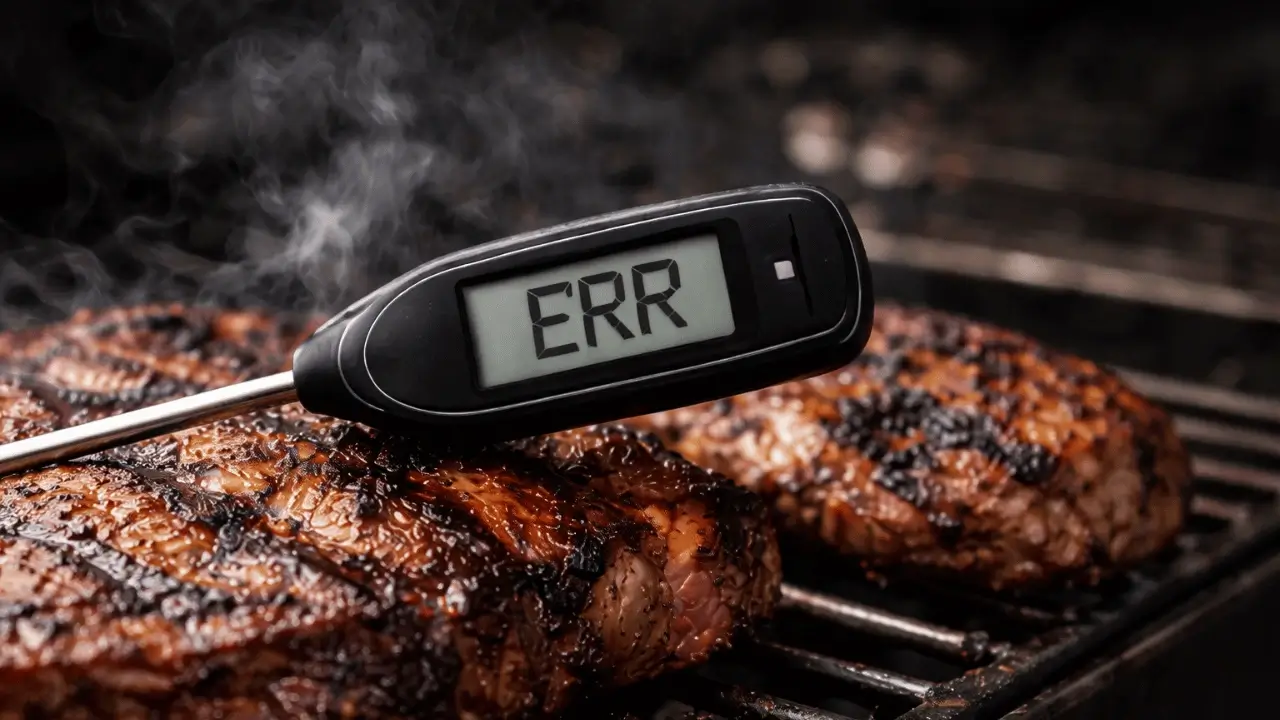
6. Thermometer Beeping Constantly
Continuous beeping usually indicates:
- Target temperature reached
- Probe disconnected
- Battery low
- Error alert
Check alarm settings and battery level. Reset if necessary.
7. Temperature Reading Is Too Slow
Some digital thermometers take too long to stabilize.
Reasons
- Low-quality sensor
- Cold probe inserted into hot meat
- Weak battery
High-quality instant-read thermometers should stabilize within 2–5 seconds.
If reading takes more than 10 seconds consistently, upgrade may be needed.
8. Thermometer Stuck at 32°F or 212°F
If your thermometer constantly reads freezing or boiling point:
Causes
- Sensor malfunction
- Internal short circuit
- Moisture infiltration
This typically indicates a defective sensor and requires replacement.
9. Thermometer Not Accurate After Washing
Water damage is a common issue.
Prevention Tips
- Never submerge digital display unit.
- Only wash probe tip.
- Avoid soaking probe connection points.
- Dry thoroughly before storage.
If water entered the housing, internal corrosion may occur.
10. Display Faded or Hard to Read
Causes
- Low battery
- LCD damage
- Extreme heat exposure
Replace battery first. If problem continues, replacement is usually required.
11. Thermometer Losing Signal on Grill or Smoker
Metal lids, thick insulation, and long distance can block signal.
Solutions:
- Keep receiver closer.
- Avoid placing transmitter directly against metal wall.
- Use line-of-sight placement if possible.
12. When to Replace Your Meat Thermometer
Replace your thermometer if:
- It cannot be calibrated
- Readings fluctuate wildly
- Probe wire is damaged
- Moisture entered display unit
- Battery replacement does not solve issues
Precision tools must provide consistent accuracy.
Preventative Maintenance Tips
- Store in a dry location
- Avoid dropping
- Perform ice water test every 3–6 months
- Replace batteries regularly
- Do not expose probe cable to direct flame
Routine care extends lifespan significantly.
Final Thoughts
A malfunctioning meat thermometer can compromise food safety and cooking quality. Most issues stem from battery problems, calibration drift, or probe damage. Simple tests like the ice water method can quickly determine whether repair or replacement is needed.
Consistent temperature accuracy is the foundation of precision cooking. If your thermometer no longer provides reliable readings, upgrading to a high-quality digital model may be the safest and most effective solution.
Always cook by internal temperature—not guesswork.