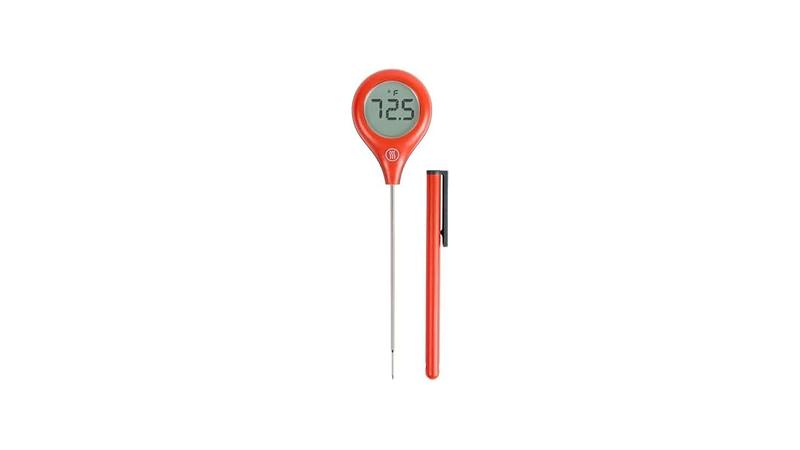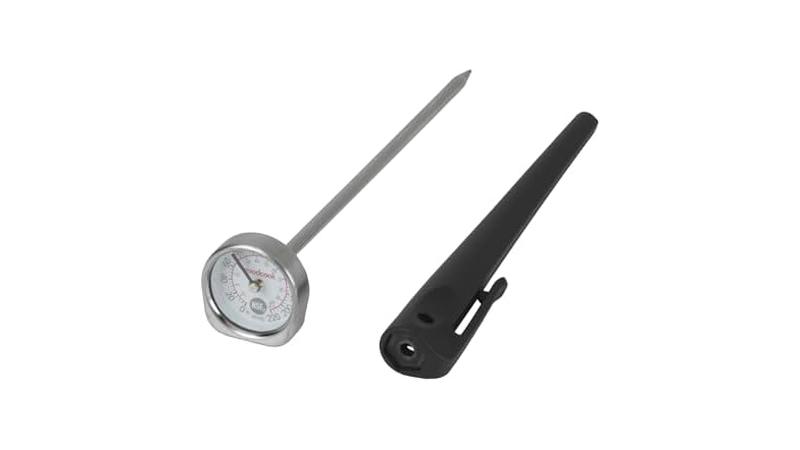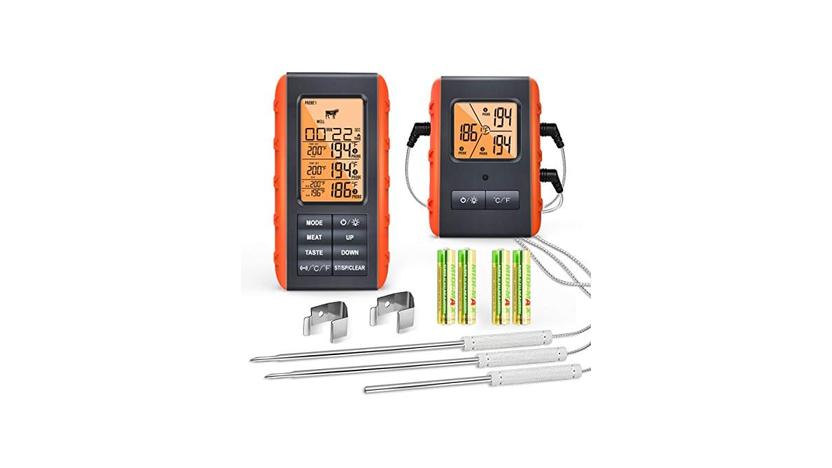
Sometimes, when you’re trying to cook a perfect roast or grill some chicken, your meat thermometer just won’t show you the temperature. It’s a common problem, especially if you’re new to using these handy gadgets. Don’t worry, though!
We’re going to walk through why this happens and how to fix the Meat Thermometer Display Not Showing Fix. We’ll break it down into simple steps so you can get back to cooking with confidence. Keep reading, and we’ll help you figure out what’s going on.
Understanding Meat Thermometer Issues
This part helps you get a handle on why your meat thermometer might be acting up. It’s not always a big, complicated problem. Often, it’s something simple you can fix pretty quickly.
We’ll cover the most common reasons why the display might be blank or showing odd symbols. This way, you’ll know what to look for the next time it happens. We’ll also talk about how temperature matters when cooking so you get your food just right.
Low Battery or Power Source Problems
One of the most frequent reasons a digital meat thermometer display stays blank is a dead battery. These devices rely on small batteries, usually coin cells or AAAs, to power the screen and the temperature sensor. If these batteries are old, corroded, or just completely drained, the thermometer won’t turn on.
It’s like trying to start a car without gas; it just won’t go. Always check the battery first.
Replacing the batteries is usually a straightforward process. Most thermometers have a small battery compartment, often on the back or side, that you can open with a small screwdriver or even just your fingernail. Make sure you put the new batteries in the right way, matching the positive (+) and negative (-) ends as shown in the compartment.
Sometimes, even new batteries can be faulty, so if the thermometer still doesn’t work, try another set.
Corrosion on battery terminals can also be a sneaky culprit. If you see any white or greenish powdery stuff on the metal parts where the batteries sit, that’s corrosion. It can block the flow of electricity.
You can usually clean this off gently with a pencil eraser or a cotton swab dipped in a little white vinegar or rubbing alcohol. Let it dry completely before putting in new batteries.
Loose or Damaged Probe Connection
The probe is the metal part that goes into your food. It’s connected to the main unit by a wire or a plug. If this connection is loose or damaged, the thermometer can’t get the temperature reading.
Think of it like a phone charger that’s not plugged in properly; it won’t charge your phone. This is another common issue, especially with thermometers that have a separate probe attached by a wire.
For thermometers with a wire probe, check where the wire plugs into the main unit. Is it pushed in all the way? Sometimes, it just needs a gentle push to reseat properly.
Also, inspect the wire itself. Is it frayed, cut, or kinked badly? If the wire looks damaged, it might need to be replaced.
Some probes are designed to be replaceable, while others are not. If it’s not replaceable and it’s damaged, you might need a new thermometer.
If your thermometer has a probe that slots directly into the unit, make sure that slot is clean and free of debris. Dust, food bits, or even a little bit of grease can prevent a good connection. Use a soft, dry cloth or a small brush to carefully clean the probe and the slot it fits into.
A firm, clean connection is key for accurate readings.
Internal Component Malfunction
Sometimes, the problem isn’t as simple as a battery or a loose wire. The internal electronics of the thermometer could be faulty. This can happen due to age, a drop, exposure to extreme heat or moisture, or just a manufacturing defect.
When internal components fail, the display might not work, or it might show incorrect readings. This is a harder issue to fix yourself.
If you’ve tried everything else, and your thermometer still isn’t working, it’s possible there’s an internal problem. For some high-end thermometers, there might be a reset button or a specific procedure to follow in the manual. However, for most basic models, an internal malfunction means it’s time to consider a
Environmental Factors
Extreme temperatures can also affect how your thermometer works. If you’re using it in a very cold environment, like a freezer, or a very hot place, like right next to a blazing grill, the display might struggle. Some thermometers are designed to work within a certain temperature range.
If you take it outside that range, the screen might go blank or show weird symbols temporarily. Once it cools down or warms up to its operating range, it should work again.
Always check your thermometer’s manual for its operating temperature range. If you’re cooking outdoors, for example, and it’s freezing cold, bring the thermometer inside for a bit to warm up before you need to use it. Similarly, don’t leave it sitting directly on a scorching hot surface.
Letting it adjust to a more moderate temperature will help prevent display issues.
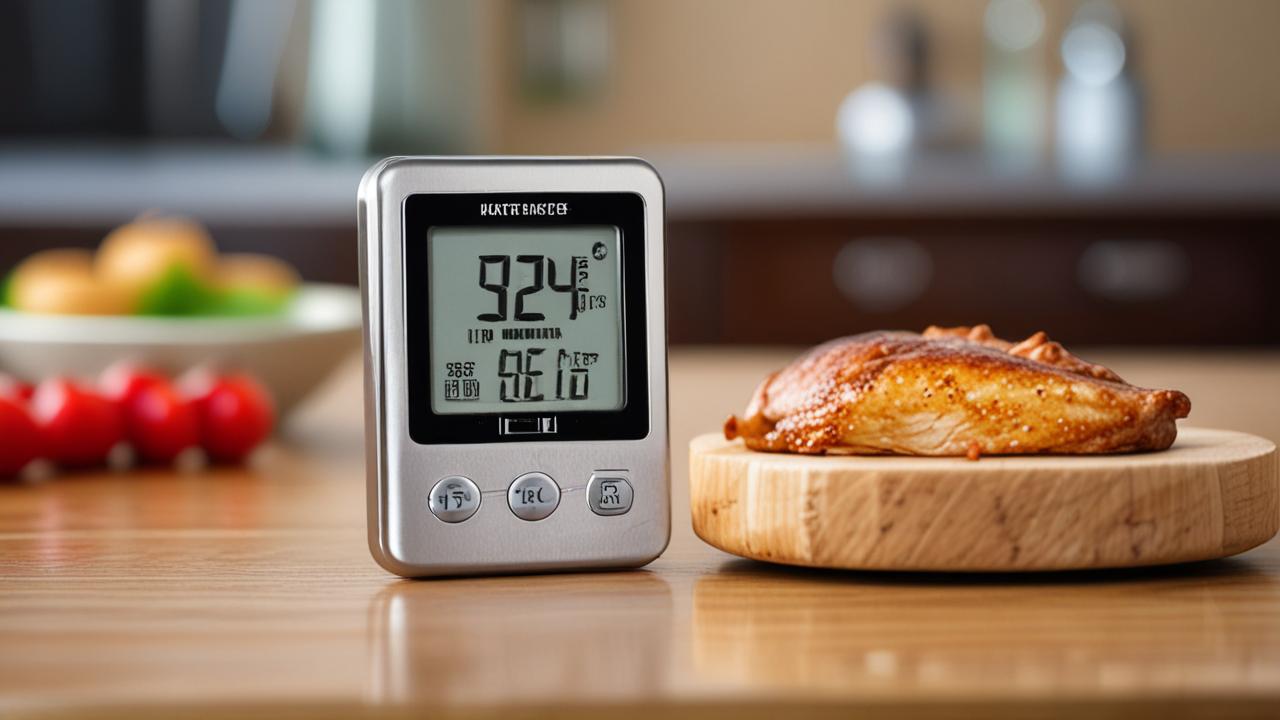
Troubleshooting the Meat Thermometer Display Not Showing Fix
Now that we know some common reasons for a blank screen, let’s go through how to fix them. This section is all about practical steps you can take to get your thermometer working again. We’ll start with the easiest fixes and move to slightly more involved ones.
By following these steps, you should be able to solve the Meat Thermometer Display Not Showing Fix yourself.
Step 1: Check and Replace Batteries
This is always the first and most important step. Open the battery compartment. Look for any signs of corrosion on the metal contacts.
If you see any, clean it off with a pencil eraser or a cotton swab lightly dampened with rubbing alcohol. Make sure the contacts are shiny. Then, insert fresh batteries, paying close attention to the positive (+) and negative (-) symbols.
Don’t just assume the batteries in the device are good, even if it’s new. Sometimes, the batteries that come with devices are just for display.
- Remove old batteries.
- Clean battery contacts if needed.
- Insert new batteries correctly.
After replacing the batteries, press the power button. If the display lights up, congratulations! You’ve solved the problem.
If it’s still blank, don’t give up yet. Move on to the next step.
Step 2: Inspect the Probe Connection
If your thermometer has a probe connected by a wire, carefully examine the wire for any cuts, kinks, or fraying. Also, check the connector that plugs into the thermometer. Is it firmly seated?
Try unplugging it and plugging it back in, making sure it clicks or snaps into place securely. If the probe is detachable and you have a spare, try using the spare to see if that resolves the issue. A faulty probe can prevent the display from showing any readings.
For probes that plug directly into the unit, ensure the probe itself is clean. Food particles or grease can sometimes get into the connection point and interfere with the signal. Gently wipe the probe and the receiving port on the thermometer with a clean, dry cloth.
A common scenario is forgetting to plug the probe back in after cleaning. It sounds simple, but it happens more often than you’d think, especially when you’re in a hurry to cook. Always double-check that the probe is securely attached before you turn on the thermometer.
Step 3: Clean the Thermometer
Sometimes, dirt, grease, or food residue can get into the buttons or ports of your thermometer and interfere with its operation. Use a soft, damp cloth to wipe down the entire exterior of the thermometer. For any stubborn spots, you can use a little mild soap and water, but be sure to wipe it dry afterward.
Never submerge a digital thermometer in water, as this can damage the electronics.
Pay special attention to any buttons or controls. If they feel sticky or unresponsive, gently try to clean around them. A clean device is more likely to function correctly.
If your probe is detachable, make sure the connection point on the probe and the unit are also clean and dry.
Step 4: Reset the Thermometer (If Applicable)
Some digital thermometers have a reset feature. Check your user manual to see if your model has one. It might involve pressing a combination of buttons or removing the batteries for a certain period.
A reset can clear any temporary glitches in the device’s software. For example, some manuals suggest removing the batteries, waiting 30 seconds, and then reinserting them. This can effectively reboot the device.
If there’s a small hole labeled “Reset,” you might need a paperclip to press a tiny button inside. Follow your manual’s instructions carefully. This step is less common on basic models but can be a lifesaver if your thermometer is behaving oddly.
Step 5: Test in Different Conditions
If you’ve tried all the above and the display is still not showing, consider the environment. If you are in extreme cold or heat, take the thermometer inside to a normal room temperature for about 15-30 minutes. Electronic components can be sensitive to temperature changes.
Once it’s at a standard room temperature, try turning it on again. This is especially important for outdoor cooking in very hot or very cold weather.
For instance, if you’re using your thermometer on a cold winter day, the LCD screen might freeze up temporarily. Bringing it inside to warm up will often fix this. Conversely, leaving it in direct sunlight on a hot day could also cause it to shut down.
Give it a chance to acclimatize.
Understanding Meat Thermometer Technology
To truly master the Meat Thermometer Display Not Showing Fix, it helps to know a little about how these devices work. They are more than just simple gadgets; they are small pieces of technology that help us cook better. Understanding the core components can make troubleshooting easier.
This section will explain the basic technology inside your thermometer.
How Digital Thermometers Measure Temperature
Digital meat thermometers typically use a thermistor or a thermocouple as their temperature sensor. A thermistor is a type of resistor whose resistance changes significantly with temperature. As the probe heats up or cools down, the resistance of the thermistor changes.
This change in resistance is measured by the thermometer’s internal circuitry. This electrical signal is then converted into a digital temperature reading that you see on the display.
Thermocouples work slightly differently. They are made of two different metals joined at one end. When this junction is heated or cooled, it generates a small voltage.
This voltage is directly proportional to the temperature difference. The thermometer’s electronics measure this voltage and convert it into a temperature reading. Thermocouples are generally more durable and can measure a wider range of temperatures than thermistors, often used in professional settings.
Thermistor vs. Thermocouple
Choosing between a thermistor and a thermocouple depends on your needs. Thermistors are generally less expensive and quite accurate for common cooking temperatures. They are usually found in most home kitchen thermometers.
However, they can be less robust and might not withstand extreme temperatures as well as thermocouples. If you’re just grilling burgers or roasting a chicken, a thermistor-based thermometer is usually perfect.
Thermocouples, on the other hand, are built for tougher jobs and higher temperatures. They are quicker to respond to temperature changes and can measure temperatures much higher than most home cooks would ever need. Professional chefs and pitmasters often prefer thermometers with thermocouples because of their speed, accuracy, and durability in demanding environments.
However, they can be more costly.
The Role of the LCD Display
The Liquid Crystal Display (LCD) is what you see your temperature reading on. It’s made of layers that include a polarizing filter, a semi-transparent conductive coating, and liquid crystals. When an electric current is applied to specific segments of the display, the liquid crystals twist.
This twisting action changes how light passes through them, either blocking it or letting it through, creating the dark segments that form numbers and symbols.
For a Meat Thermometer Display Not Showing Fix, the LCD itself can be the issue if it’s damaged. Cracks in the display, moisture damage, or internal faults can cause parts or the whole screen to be unreadable. The electronics that control the LCD are also crucial.
If the signal telling the display what to show is faulty, you’ll see a blank screen or garbled characters. Battery power is essential to drive these electrical signals.
Common LCD Display Issues
LCD screens are sensitive. If a thermometer is dropped, the internal connections to the LCD could be broken. Exposure to moisture is also a common killer of LCDs.
Water can corrode the delicate connections and the liquid crystal material itself. This can lead to dead spots on the screen, faint or missing segments, or a completely blank display.
In very cold temperatures, the liquid crystals can become sluggish, making the display appear dim or slow to respond. In extreme heat, the liquid can degrade over time, potentially causing permanent damage. If you see physical damage on the screen, like cracks or discoloration, the LCD itself is likely the problem, and often, this means the whole thermometer needs replacing unless it’s a very high-end model with a replaceable screen.
Power Management and Battery Life
Digital thermometers are designed to use power efficiently. They often have auto-shutoff features to conserve battery life, turning off after a period of inactivity. However, the battery is still the heart of the device.
A weak battery might not have enough power to light up the LCD display properly, even if it can still send a signal to the temperature sensor. This is why battery replacement is the first troubleshooting step.
Some advanced thermometers also have power-saving modes or indicators for low battery life. If you notice your display dimming or readings becoming erratic, it’s a good sign the batteries are nearing the end of their life. Regular battery checks and
The Probe Wire and Its Importance
For thermometers with a separate probe, the wire connecting it to the main unit is a critical component. This wire contains very fine conductors that transmit the temperature signal. If this wire is damaged, even slightly, it can interrupt the signal.
A break in one of the conductors means the temperature reading can’t reach the main unit, and the display will appear blank or show an error code.
The connectors at both ends of the wire are also important. They need to be clean and make good contact. Dirt, grease, or bent pins can prevent a proper electrical connection.
It’s also worth noting that some probe wires are designed to withstand higher temperatures than others. If a wire is accidentally placed too close to a heat source, it can melt or degrade, causing the signal to be lost. Always keep the probe wire away from direct flame or hot surfaces.
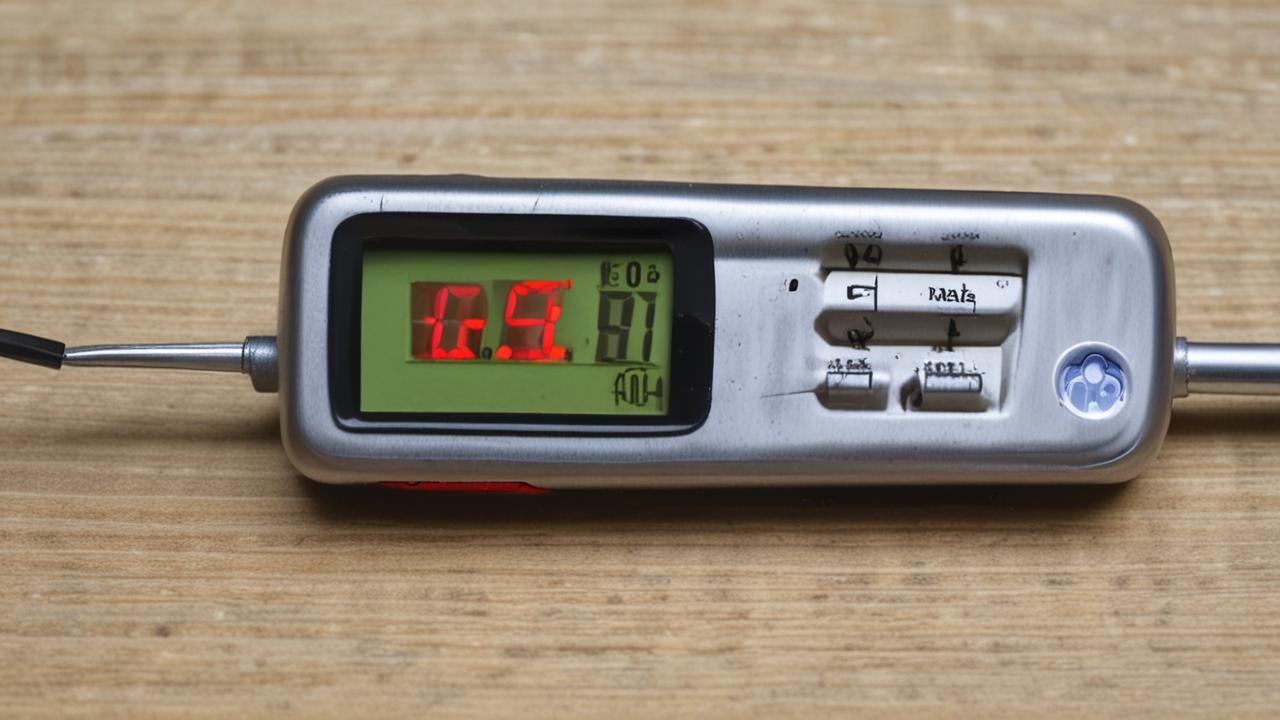
Advanced Troubleshooting and Maintenance
Once you’ve tried the basic fixes for the Meat Thermometer Display Not Showing Fix, you might need to look at some more advanced steps or simply focus on keeping your thermometer in good shape. Proper maintenance can prevent many problems before they even start. This section offers tips for longer-term care and what to do if simple fixes don’t work.
When to Consider a Replacement
If you’ve replaced the batteries, checked all connections, cleaned the device thoroughly, and tried resetting it (if applicable), but the display still remains blank or shows incorrect readings, it’s likely that the thermometer has an internal fault. Electronic devices, especially those used in kitchens where they can be exposed to heat, moisture, and occasional drops, have a lifespan. If your thermometer is several years old, or if it’s a very inexpensive model, it might simply be time for a new one.
Consider the cost of a new thermometer versus the cost of trying to repair an old one, especially if the repair isn’t guaranteed. For most home cooks, a new, reliable digital thermometer is a small investment that ensures accurate cooking results and safety. Many excellent models are available at affordable prices, offering better features and accuracy than older units.
Understanding Error Codes
Some digital thermometers display error codes instead of a temperature when they detect a problem. These codes are designed to help you diagnose issues. For example, an “Err” or “Lo” might mean the probe is not connected properly, is reading too low a temperature, or is damaged.
An “Hi” or “H” could indicate a reading that is too high for the thermometer’s range. Always refer to your user manual to understand what specific error codes mean for your model.
For instance, if your manual states that “LO” means the probe is not sensing temperature correctly, it points you directly to checking the probe and its connection. If you see a code you don’t recognize, a quick search online with your thermometer’s brand and model number might provide additional information from other users or the manufacturer. Recognizing these codes can save you a lot of guesswork.
Water Damage and Corrosion Prevention
Water is the enemy of most electronic devices, and meat thermometers are no exception. Even “water-resistant” models are not waterproof. Avoid submerging your thermometer.
When cleaning, use a damp cloth. If moisture does get inside, try to dry it out as quickly as possible. Sometimes, removing the batteries and letting the device air dry for a few days can help prevent corrosion from setting in.
Corrosion can occur when batteries leak or when moisture interacts with metal components. This white or green powdery substance can prevent electrical conductivity. Regular inspection of battery terminals and immediate cleaning of any signs of corrosion can significantly extend the life of your thermometer.
Keeping the probe and its connection point dry is also crucial.
Calibration and Accuracy Checks
While most home thermometers aren’t designed to be user-calibrated, you can perform a simple ice water test to check for accuracy. Fill a glass with ice and water, stir it well, and let it sit for a minute. Insert the thermometer probe into the ice water, making sure it doesn’t touch the sides or bottom of the glass.
A reliable thermometer should read 32°F (0°C) within a degree or two. If your thermometer consistently reads significantly off, it might be time for a new one, or if it’s a higher-end model, check the manual for calibration options.
This simple test is invaluable. If your thermometer reads, say, 45°F in ice water, you know all your other readings will be off by about 13 degrees. This can be dangerous, leading to undercooked meat.
For a Meat Thermometer Display Not Showing Fix scenario, if the display does work but shows inaccurate readings, this test is your first diagnostic step. It helps determine if the issue is the display itself or the temperature sensing accuracy.
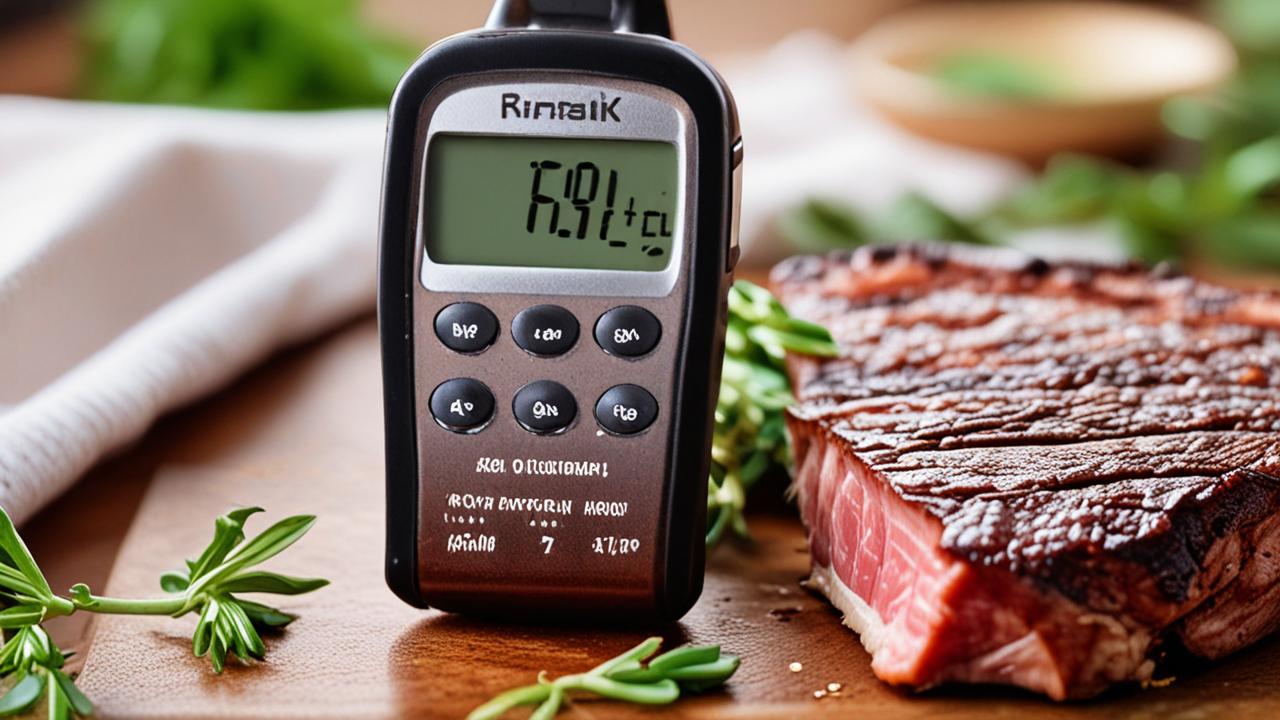
Meat Thermometer Display Not Showing Fix: Real-World Scenarios
Let’s look at a couple of situations where the Meat Thermometer Display Not Showing Fix might come up and how they were solved. Seeing how others tackled similar problems can be really helpful. These examples cover common issues you might encounter.
Scenario 1: The Blank Screen on a New Thermometer
Sarah just bought a new digital meat thermometer for Thanksgiving. She took it out of the box, unwrapped it, and pressed the power button. Nothing happened.
The screen stayed completely blank. She was worried she got a defective one. She remembered reading somewhere about batteries.
She opened the battery compartment, and sure enough, there were two small batteries inside, but they weren’t seated quite right. One was slightly loose.
Sarah carefully removed the batteries and then reinserted them, making sure they clicked firmly into place and were oriented correctly with the plus and minus signs. When she pressed the power button again, the display lit up immediately, showing the default temperature. She was so relieved!
The issue wasn’t a broken thermometer, but simply batteries that weren’t fully connected.
Scenario 2: The Erratic Readings Problem
Mark was grilling burgers when his thermometer started showing crazy numbers. One minute it said 50°F, then 200°F, then just dashes. He knew the burgers weren’t ready yet.
He decided to check the probe. He noticed the wire near the probe tip looked a little stiff and bent. He tried to straighten it gently.
When he put it back in the burger, the readings were still erratic. He then remembered he hadn’t cleaned the probe port on the thermometer itself for a while. He unplugged the probe, grabbed a damp cloth, and carefully wiped the metal probe and the port on the thermometer.
He made sure both were dry. Plugging the probe back in and testing it on a cup of hot water, he got a steady, accurate reading. The dirt and a slightly bent wire were causing the signal to be inconsistent.
Here’s a quick check for common problems:
- Is the battery fresh and correctly inserted?
- Is the probe fully plugged in and the wire undamaged?
- Is the thermometer clean, especially the probe and its connection?
- Is the thermometer within its normal operating temperature range?
These simple checks cover most cases where your thermometer might seem broken.

Benefits of a Working Meat Thermometer
Having a meat thermometer that works correctly is incredibly useful. It’s not just about convenience; it’s about food safety and getting the best flavor from your cooking. When your thermometer is displaying temperatures accurately, you gain a lot of advantages in the kitchen.
Ensuring Food Safety
The most critical benefit is ensuring your food is cooked to a safe internal temperature. Undercooked meat can harbor harmful bacteria like Salmonella, E. coli, and Listeria.
These can cause serious foodborne illnesses. A thermometer takes the guesswork out of cooking. You don’t have to rely on color or texture, which can be misleading.
For example, chicken needs to reach an internal temperature of 165°F (74°C) to be safe to eat. Pork needs to reach 145°F (63°C) with a 3-minute rest. Ground beef needs to be cooked to 160°F (71°C).
Knowing these target temperatures and being able to measure them accurately with your thermometer means you can serve your family and friends meals that are both delicious and safe. A working thermometer is your best defense against food poisoning.
Achieving Perfect Cooking Results
Beyond safety, a meat thermometer helps you achieve that perfect texture and flavor. Overcooked meat becomes dry, tough, and bland. Undercooked meat can be unappetizing and, as we’ve discussed, unsafe.
A thermometer allows you to pull meat from the heat at precisely the right moment.
This is especially true for roasts, steaks, and even baked goods. For a medium-rare steak, you’re looking for an internal temperature around 130-135°F (54-57°C). For a moist, tender brisket, you aim for around 195-205°F (90-96°C).
Without a thermometer, hitting these targets is a matter of luck. With one, it’s a skill you can master. You’ll get consistent results every time.
Saving Time and Reducing Waste
When you know your food is cooking perfectly, you don’t have to keep checking it repeatedly. This saves you time and energy. It also means you’re less likely to overcook and ruin a perfectly good piece of meat.
No one likes to throw away food, especially when it was expensive or took a lot of effort to prepare.
A thermometer helps you cook efficiently. You can set it and step away, trusting that it will alert you when the food reaches the desired temperature. This allows you to focus on other parts of your meal preparation.
Reducing waste is good for your wallet and the environment.
Frequently Asked Questions
Question: My meat thermometer display is blank, but I just put in new batteries. What else could it be?
Answer: If new batteries don’t fix a blank display, check the battery contacts for corrosion and clean them if needed. Also, ensure the probe is securely connected to the thermometer unit, as a loose connection can prevent it from powering on correctly. Inspect the probe wire for damage.
Question: Can I use my digital meat thermometer in the freezer?
Answer: Most digital meat thermometers are not designed for use in extremely cold temperatures like a freezer. Extreme cold can affect the LCD screen and the battery’s performance, potentially causing the display to go blank or show incorrect readings. It’s best to use them at room temperature or in the range specified by the manufacturer.
Question: My thermometer shows “Err” on the display. What does that mean?
Answer: An “Err” message, or a similar code like “LO” or “Hi,” usually indicates a problem with the probe or the temperature it’s detecting. It could mean the probe is not connected properly, is damaged, or is reading a temperature outside the thermometer’s operating range. Check your user manual for the specific meaning of the error code.
Question: How often should I replace the batteries in my meat thermometer?
Answer: It depends on how often you use it and the battery life of your specific model. If you use your thermometer frequently, check the batteries every few months. If the display starts to dim or readings become erratic, it’s a good time to replace them.
Many thermometers have a low battery indicator.
Question: My meat thermometer probe wire is frayed. Can I fix it?
Answer: For most home thermometers, a frayed probe wire cannot be reliably fixed. The delicate internal conductors are likely damaged. If the probe is detachable and you can find a compatible replacement probe, that’s an option.
Otherwise, a damaged probe wire usually means you’ll need to replace the entire thermometer.
Summary
Fixing a meat thermometer that won’t display a reading is often simple. Start with fresh batteries and a clean probe connection. If that doesn’t work, clean the unit, check for error codes, or consider environmental factors.
A working thermometer ensures safe, perfectly cooked food every time. You’ve got this!