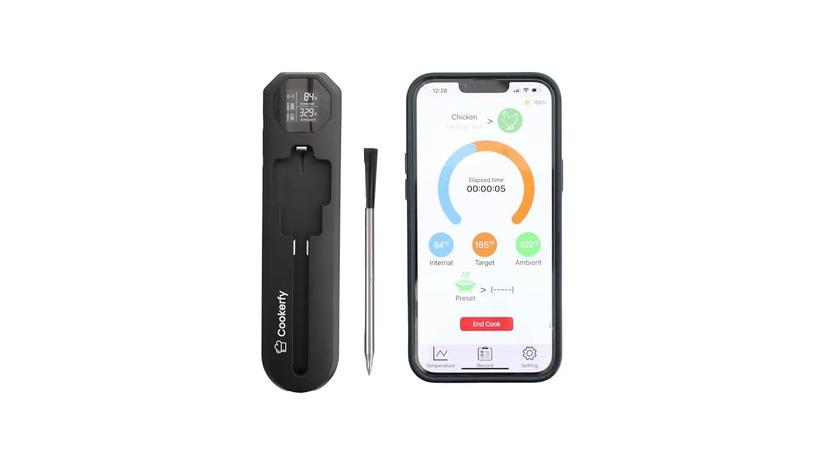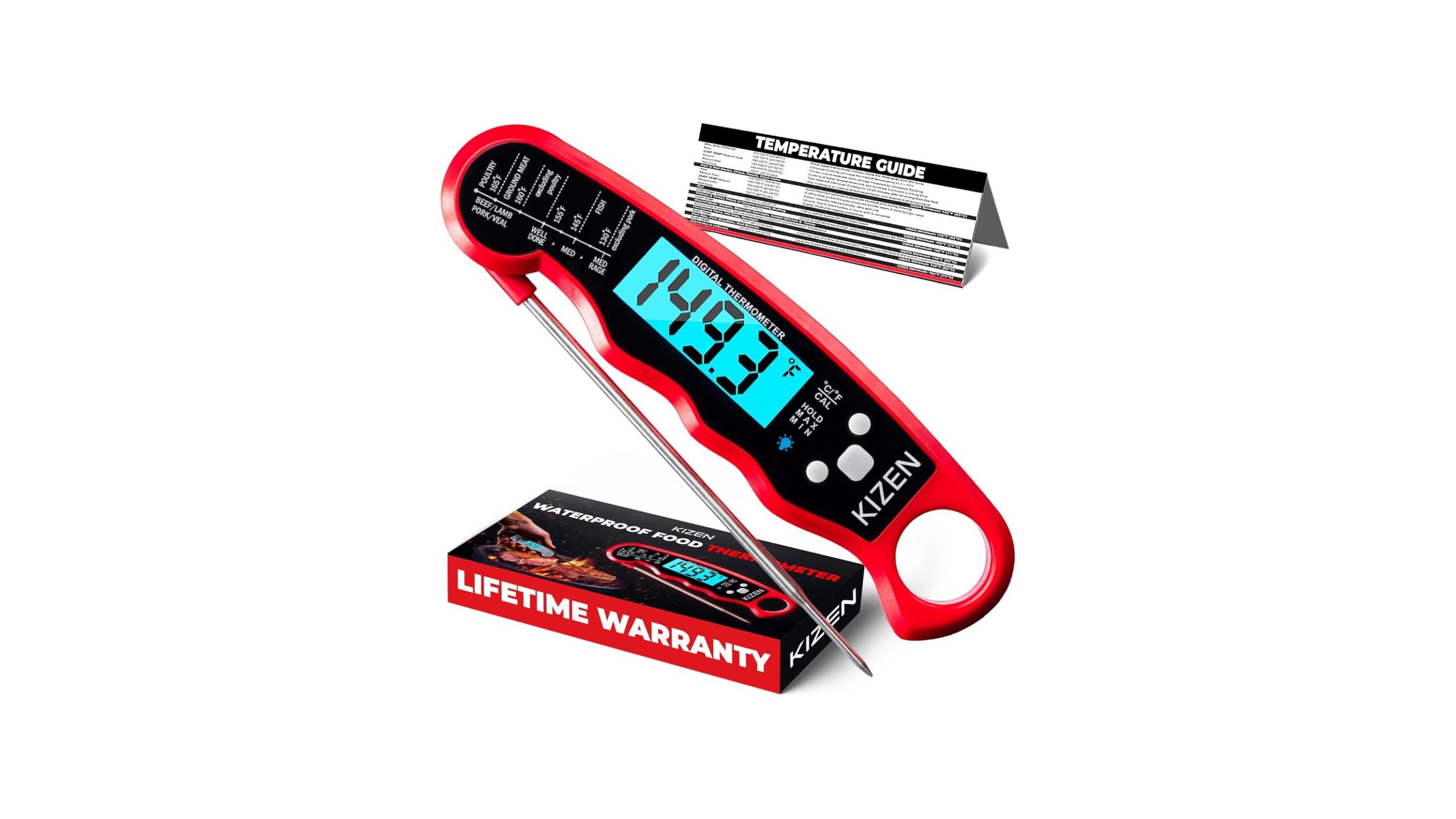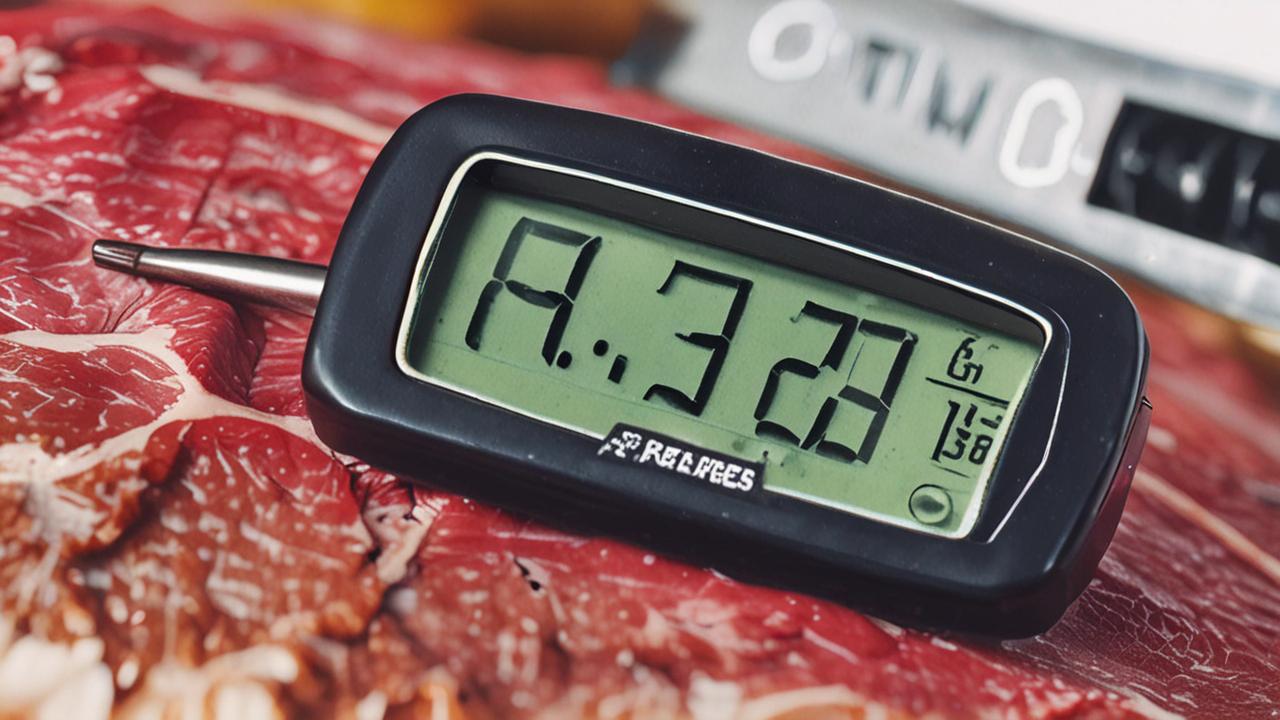
It can be frustrating when your meat thermometer stops working, especially if it’s stuck at 32 degrees. This is a pretty common problem for folks who are just starting out with cooking, and it can seem tricky to fix. But don’t worry!
We’re going to walk through exactly how to solve the Meat Thermometer Stuck at 32 Degrees Fix. After we get your thermometer back in shape, we’ll look at other helpful tips for keeping your cooking tools in top condition.
Why Your Meat Thermometer Might Be Stuck at 32 Degrees
Seeing your meat thermometer stuck at 32 degrees is a clear sign something isn’t quite right. This temperature is the freezing point of water, which is important because many digital thermometers use a probe that relies on electrical signals. When these signals get confused or interrupted, they can default to a base reading.
For beginners, this issue can be confusing because it’s not always obvious if the problem is with the thermometer itself, the battery, or even how it’s being used. Let’s break down the common reasons why this happens and what you can do about it.
Understanding the Basics of Meat Thermometers
Meat thermometers are essential kitchen tools. They help ensure your food is cooked to a safe internal temperature. This prevents undercooking, which can lead to foodborne illnesses, and overcooking, which can make food dry and tough.
Digital meat thermometers, which are very popular now, use a metal probe connected to an electronic display. This probe senses the heat of the food and sends that information to the display.
The probe typically has a thermistor or thermocouple inside. A thermistor is a type of resistor whose resistance changes significantly with temperature. As the temperature goes up, the resistance of the thermistor goes down, and vice versa.
This change in resistance is measured and converted into a temperature reading. A thermocouple is made of two different metals joined at one end. When this junction is heated or cooled, it produces a small voltage that is proportional to the temperature.
The electronics inside the thermometer then take this electrical signal and translate it into the temperature you see on the screen. If there’s a problem with the probe, the wires, the battery, or the internal circuitry, this process can be interrupted.
Common Causes for a Stuck Thermometer
Several things can cause a digital meat thermometer to display a constant 32 degrees. One of the most frequent culprits is a damaged or dirty probe. If the probe has been bent, kinked, or exposed to extreme temperatures that it wasn’t designed for, the internal components might be compromised.
Dirt, grease, or food residue can also build up on the probe. This buildup can act as an insulator or interfere with the electrical signals. Sometimes, the wires connecting the probe to the display unit can become loose or frayed, especially if the thermometer is often moved around or stored roughly.
Another common issue is related to the battery. Low battery power can cause the thermometer’s internal processor to malfunction. It might not have enough power to accurately read the probe’s signal, leading to a default reading.
Even if the battery isn’t completely dead, a weak battery can cause strange behavior.
Finally, some thermometers have a “hold” or “lock” function. While less common for a constant 32-degree reading, it’s worth checking the manual to ensure this feature hasn’t been accidentally activated.
- Damaged Probe: A physical bend, crack, or internal break in the metal probe can disrupt the temperature sensing element. This is like the wire in a light bulb breaking; it can no longer do its job.
- Probe Contamination: Food bits, grease, or cleaning residue can get into the small openings or along the probe’s surface. This blockage can prevent accurate heat transfer or interfere with the electrical components.
- Loose Wire Connections: The thin wires inside the probe or connecting it to the display might become loose from frequent bending or impact. If a wire isn’t making good contact, the signal can’t get through properly.
Real-Life Scenario: The Dropped Thermometer
Sarah was preparing a Thanksgiving turkey. She took her digital meat thermometer out of its case, and it was working fine. As she went to insert it into the thickest part of the breast, she fumbled and dropped it on the tile floor.
It landed right on the probe tip. When she picked it up, it was stuck at 32 degrees. The impact had likely caused a hairline crack or dislodged something inside the probe, rendering it useless.
Troubleshooting Steps for a Meat Thermometer Stuck at 32 Degrees Fix
When you encounter this problem, the first step is to stay calm. Many times, a simple fix can get your thermometer working again. We’ll go through a series of checks and cleaning steps that usually solve the Meat Thermometer Stuck at 32 Degrees Fix.
1. Check and Replace the Battery
The most straightforward fix is often related to the power source. A weak or dead battery can cause all sorts of electronic glitches. Even if your thermometer seems to turn on, the battery might not have enough power to run the internal processor correctly.
First, locate the battery compartment. It’s usually on the back or side of the display unit. You might need a small screwdriver to open it.
Remove the old batteries and insert new ones. Make sure you put them in with the correct positive (+) and negative (-) orientation.
Once the new batteries are in, turn on the thermometer and see if it registers a different temperature. If it starts working correctly, congratulations! If it’s still stuck at 32 degrees, proceed to the next step.
- Battery Type: Ensure you are using the correct type and size of battery as specified by the manufacturer. Using the wrong type might not provide enough power or could even damage the device.
- Battery Contacts: Sometimes, the metal contacts inside the battery compartment can get dirty or corroded. Gently clean them with a pencil eraser or a cotton swab dipped in a tiny bit of rubbing alcohol. Make sure they are completely dry before inserting new batteries.
- Freshness: Even new batteries can sometimes be old stock. If possible, try batteries from a different pack to rule out faulty new batteries.
2. Clean the Probe Thoroughly
Food particles, grease, and residue can build up on the metal probe over time. This buildup can interfere with the probe’s ability to accurately sense temperature. Cleaning the probe is a simple yet very effective step.
First, make sure the thermometer is turned off and the probe is cool. Use a damp cloth or sponge with a bit of mild dish soap to gently wipe down the entire metal probe. Pay attention to the tip, as this is where most of the sensing happens.
After washing, rinse the probe with clean water. It’s important to avoid getting the electronic display unit wet. You can use a clean, damp cloth for rinsing.
Finally, dry the probe completely with a soft, dry cloth. Make sure no moisture is left, as this could cause problems.
If the residue is stubborn, you can try soaking the probe tip in warm, soapy water for a few minutes. However, be very careful not to submerge the entire thermometer or get water into any openings.
- Mild Detergent: Always use a mild dish soap. Harsh chemicals or abrasive cleaners can scratch the probe or damage its coating.
- Avoid Submerging: Most digital thermometers are not waterproof. Only the probe should be cleaned. If your model is explicitly stated as waterproof, you have more flexibility, but it’s still good practice to be cautious.
- Drying is Key: Residual moisture can lead to corrosion or electrical issues. Ensure the probe is completely dry before using or storing the thermometer.
3. Inspect for Physical Damage
Digital thermometers are relatively delicate instruments. The probe, in particular, is susceptible to damage. Carefully examine the entire probe for any signs of bending, cracking, or kinks.
If the probe is bent, you might be tempted to try and straighten it. However, bending it back can sometimes break the internal wires. If the probe is significantly bent or kinked, it might be beyond repair.
A slight bend might not cause an immediate problem, but it can lead to future issues.
Also, look at the connection point where the probe meets the wire (if it’s a separate probe model) or where it enters the handle. Any visible cracks or damage here can indicate a broken internal connection.
- Gentle Straightening: If the bend is very minor and the probe still seems functional, you might attempt to gently straighten it. Use pliers very carefully, and avoid applying too much pressure. If it feels like it might snap, stop.
- Wire Integrity: For models with a separate probe attached by a wire, check the wire for nicks, cuts, or fraying. Damaged wires can interrupt the signal.
- Handle Check: The handle housing the electronics can also crack or get damaged, affecting the internal components.
4. Resetting the Thermometer
Some electronic devices can be reset to clear temporary glitches. While not all meat thermometers have an explicit reset button, there are ways to achieve a similar effect.
One common method is to remove the batteries, wait for about 30 seconds, and then reinsert them. This process effectively powers down and restarts the device’s internal electronics.
Another method, especially for thermometers that have been exposed to extreme conditions or have been used extensively, is to place the probe in a known temperature environment and observe its behavior. For example, you could place the probe in a glass of ice water (which should read 32°F or 0°C if it’s accurate) or in boiling water (which should read around 212°F or 100°C at sea level). If the thermometer still reads 32°F in ice water but fails to register other temperatures, it points more strongly to an internal issue.
- Power Cycle: Removing and reinserting batteries is often referred to as a “power cycle.” It forces the device’s memory to clear and start fresh.
- Testing in Known Temperatures: Using ice water and boiling water are standard calibration checks. If your thermometer can’t accurately read these, it’s a good indicator of a problem.
- Manufacturer Instructions: Always check your thermometer’s manual for specific reset procedures. Some might have a small reset button or a combination of button presses.
When to Consider Replacing Your Thermometer
If you’ve tried all the troubleshooting steps above and your meat thermometer is still stuck at 32 degrees, it’s likely time to consider replacing it. Electronic devices can fail, especially after prolonged use or accidental damage.
When looking for a new thermometer, consider features that might make it more durable or easier to use. Instant-read thermometers are popular for their speed. Thermometers with probes that can withstand higher temperatures are also beneficial for cooking tasks like deep frying.
Think about your cooking habits. If you cook frequently, investing in a higher-quality thermometer might be worth it in the long run. Many modern thermometers come with features like backlight displays, waterproof casings, and even Bluetooth connectivity to your phone.
Choosing a Reliable Meat Thermometer
When buying a new meat thermometer, look for brands that have good reviews for accuracy and durability. Reading online reviews can give you a good idea of what other users have experienced.
Consider the probe length. A longer probe is useful for very thick cuts of meat or for reaching into deep pots. The display should be easy to read, especially in low-light conditions.
Some thermometers are designed for specific purposes, like grilling, where they can be left in the meat for extended periods. Others are instant-read and designed for quick checks. Choose one that best fits your needs in the kitchen.
- Accuracy Ratings: Look for thermometers with advertised accuracy within ±1°F or ±0.5°C.
- Response Time: For quick checks, an instant-read thermometer that gives a reading in 3-5 seconds is ideal.
- Probe Material: Stainless steel probes are common and durable.
Advanced Troubleshooting and Preventative Measures
While most cases of a thermometer stuck at 32 degrees can be solved with basic fixes, there are a few more advanced considerations. Prevention is also key to avoiding future issues and extending the life of your current thermometer.
Understanding Thermometer Limitations
It’s important to know what your thermometer is designed to do. Most digital meat thermometers have a specific temperature range. Exceeding this range, especially at the high end (like putting a standard meat thermometer in a very hot oven for an extended period without the probe detached) can damage the electronics or the probe.
Also, consider the material and construction of the probe. Some probes are more sensitive than others. If the probe is a very thin wire, it might be more prone to damage from bending or impact compared to a thicker, more robust probe.
If your thermometer has a separate probe and a display unit connected by a wire, the wire itself can be a point of failure. Ensure the wire is not pinched, cut, or excessively stressed.
- Temperature Range: Always check the product specifications for the operating temperature range. Using a thermometer outside of this range can lead to inaccurate readings or permanent damage.
- Water Resistance: If you frequently use your thermometer in steamy environments or need to wash it often, consider a model with a good level of water resistance (e.g., IPX ratings).
- Probe Thickness: Thicker probes are generally more durable but might take slightly longer to get an accurate reading compared to very thin probes.
Preventing Future Issues
To avoid encountering the Meat Thermometer Stuck at 32 Degrees Fix problem again, proper care and storage are essential. Treat your thermometer like any other sensitive kitchen tool.
When not in use, store your thermometer in its original protective case or a designated drawer where it won’t get bumped around. Avoid storing it loose with sharp utensils that could damage the probe.
After each use, clean the probe as described earlier. Make sure it’s completely dry before putting it away. This prevents corrosion and buildup.
If your thermometer has a detachable probe, ensure it is securely connected before use. When storing, if the probe detaches easily, store it in a way that protects its connection point.
- Protective Sheath: Many thermometers come with a plastic sheath for the probe. Always use this when storing to prevent accidental damage.
- Gentle Handling: Avoid dropping or bending the probe. Treat it with care, as it’s the most critical part of the thermometer.
- Avoid Extreme Heat/Cold: Don’t leave your thermometer in a hot car, near a hot stove, or in freezing temperatures when not in use.
Understanding Accuracy and Calibration
Meat thermometers, like any measuring instrument, can sometimes become less accurate over time. While most home-use digital thermometers are not designed for user calibration, it’s good to be aware of their accuracy.
The ice water test (placing the probe in a mixture of ice and water, which should read 32°F or 0°C) and the boiling water test (placing the probe in boiling water, which should read around 212°F or 100°C at sea level) are the simplest ways to check for general accuracy. If your thermometer consistently reads several degrees off in these tests, even after replacing batteries and cleaning, it might be time for a new one.
The accuracy of a thermometer is often stated by the manufacturer. For example, a thermometer might be accurate to within ±1°F. This means the actual temperature could be up to 1 degree higher or lower than what the display shows.
For most home cooking, this level of accuracy is perfectly acceptable.
- Sea Level vs. Altitude: The boiling point of water changes with altitude. At higher altitudes, water boils at a lower temperature. This can affect the accuracy of your boiling water test if you don’t account for it.
- Probe Placement: Ensure the probe is fully immersed in the ice water or boiling water for an accurate reading. Don’t let it touch the sides or bottom of the container.
- Stabilization Time: Give the thermometer a minute or two to stabilize to ensure you are getting a consistent reading.

How VPNs Work and Their Benefits
Virtual Private Networks, or VPNs, are tools that help people use the internet more privately and securely. They do this by creating a special, encrypted tunnel for your online information. Think of it like sending your mail through a secure, private courier instead of just putting it in a regular mailbox where anyone could potentially see it.
When you connect to a VPN server, your internet traffic goes through this server first, masking your actual location and making it harder for others to track your online activity.
The Mechanics of a VPN Connection
When you activate a VPN on your device, it establishes a secure connection to a VPN server operated by your VPN provider. This connection uses encryption protocols, like OpenVPN or WireGuard, to scramble your data. This means that even if someone were to intercept your internet traffic, they would see a jumble of unreadable code instead of your personal information.
After your data is encrypted, it travels through the secure tunnel to the VPN server. The VPN server then decrypts your data and sends it to the website or online service you are trying to access. When the website sends information back, it goes to the VPN server first, is encrypted again, and then sent back through the tunnel to your device, where it’s decrypted.
This process effectively hides your real IP address, replacing it with the IP address of the VPN server.
- Encryption Protocols: These are sets of rules that govern how your data is scrambled. Common protocols include AES-256, which is considered very secure, and different protocols offer varying balances of speed and security.
- VPN Server Network: VPN providers have servers located in many different countries. Connecting to a server in another country makes it appear as though you are browsing from that location.
- IP Address Masking: Your IP address is like your home address on the internet. A VPN hides your real IP address and assigns you a temporary one from its server.
Benefits of Using a VPN
There are many good reasons why people use VPNs. One of the biggest is enhanced privacy. Because your internet activity is routed through an encrypted tunnel, your Internet Service Provider (ISP) cannot see what you are doing online.
This is especially helpful if you’re concerned about your ISP logging your browsing history.
Security is another major benefit. VPNs protect your data when you’re using public Wi-Fi networks, like those in coffee shops or airports. These networks are often unsecured, making them targets for hackers who can easily steal your information.
A VPN encrypts your connection, making it safe to use public Wi-Fi.
VPNs can also help you access content that might be restricted in your region. For example, if a streaming service has different libraries in different countries, you can connect to a VPN server in a country that has the content you want to watch.
- Online Privacy: VPNs prevent your ISP, advertisers, and other third parties from tracking your browsing habits.
- Public Wi-Fi Security: Protects your sensitive information, such as passwords and credit card details, from being intercepted on unsecured networks.
- Geo-Unblocking: Access websites, streaming services, and online games that are not available in your geographic location.
The Challenge of Free VPNs
While the idea of a free VPN sounds appealing, it’s important to understand the trade-offs. Free VPNs often come with limitations or have hidden costs that can impact your privacy and security. For beginners, this can be a confusing area because not all free services are created equal, and some can be more harmful than helpful.
Limitations of Free VPN Services
One of the most common limitations of free VPNs is their speed. To manage costs, free services often have fewer servers and can be overcrowded with users. This can lead to very slow internet speeds, making activities like streaming or downloading files difficult.
Data caps are another frequent issue. Many free VPNs limit the amount of data you can use per day or month. This means you might only be able to browse for a short time before your connection is cut off or slowed down considerably.
Free VPNs may also restrict the number of servers you can connect to or the number of devices you can use simultaneously. This can make them less flexible for users who need to switch locations or protect multiple devices.
- Speed Throttling: Free VPNs may deliberately slow down your connection speed to manage bandwidth and encourage users to upgrade to a paid plan.
- Limited Server Locations: You might only have access to a few server locations, limiting your ability to bypass geo-restrictions effectively.
- Device Limits: Many free VPNs restrict the number of devices that can be connected to your account at any one time.
Potential Risks with Free VPNs
The biggest concern with some free VPNs is how they make money. If a service isn’t charging you, it’s likely selling your data. This can include your browsing history, personal information, and even your IP address.
Some free VPNs have been found to log user activity and sell it to advertisers or data brokers.
Another risk is that some free VPNs might not offer strong encryption or may even contain malware. This defeats the purpose of using a VPN for security. It’s essential to research any free VPN service thoroughly before using it.
A 2020 study by CSIRO, an Australian government agency, found that nearly 40% of free VPN apps contained malware. Another report by Top10VPN highlighted that many free VPNs tracked user activity and shared it with third parties, compromising user privacy.
- Data Logging and Selling: This is the most significant privacy risk. Your online actions might be recorded and sold to advertisers or other companies.
- Malware and Adware: Some free VPNs might inject unwanted advertisements into your browsing or even install malicious software on your device.
- Weak Security: They may use outdated encryption protocols or have security vulnerabilities that hackers can exploit.
When to Use a Free VPN (and When Not To)
For very basic, short-term needs, like accessing a region-locked website for a few minutes, a reputable free VPN might suffice. For instance, if you just need to check a news site that’s blocked in your country for a quick read, a free VPN could work. However, it’s crucial to stick to well-known providers that have a clear privacy policy, even if it’s limited.
You should avoid free VPNs for sensitive activities, such as online banking, shopping, or accessing confidential work information. If you handle personal data or require strong security, a free VPN is not a good choice. The potential risks to your privacy and security outweigh any cost savings.
It’s always better to invest in a reputable paid VPN service for peace of mind.
Benefits of Paid VPN Services
Paid VPN services offer a level of privacy, security, and performance that free VPNs typically cannot match. For users who rely on the internet for work, entertainment, or simply want to protect their personal information, a paid VPN is a worthwhile investment. These services are designed to provide a reliable and secure online experience.
Enhanced Security and Privacy
Paid VPNs invest heavily in strong encryption standards, such as AES-256, and secure tunneling protocols like OpenVPN and WireGuard. This ensures that your data is protected from hackers and prying eyes. They also typically have strict no-logs policies, meaning they do not record your online activities.
This is a critical difference from many free VPNs that might log your data for their own profit.
Reputable paid VPN providers undergo regular audits by independent security firms to verify their no-logs claims and security infrastructure. This commitment to transparency and security provides users with greater assurance.
With a paid VPN, you can browse the internet with confidence, knowing that your online footprint is minimized and your data is protected, whether you are at home or using public Wi-Fi.
- No-Logs Policy: Verified by independent audits, these services promise not to store any record of your online activities, providing true anonymity.
- Advanced Encryption: Utilizes the strongest encryption algorithms available to keep your data unreadable to anyone who might intercept it.
- Kill Switch Feature: If the VPN connection drops unexpectedly, a kill switch automatically disconnects your device from the internet, preventing any data from being leaked.
Performance and Features
Paid VPNs usually offer much faster speeds compared to their free counterparts. They have extensive networks of servers located around the globe, allowing for better load balancing and reduced latency. This means you can stream HD videos, download large files, and play online games without frustrating slowdowns.
These services also typically allow you to connect multiple devices simultaneously on a single subscription. This means you can protect your laptop, smartphone, tablet, and even your smart TV all at once. Many paid VPNs offer dedicated apps for various operating systems and devices, making them easy to set up and use.
Additional features often found in paid VPNs include split tunneling, which allows you to choose which apps use the VPN and which connect directly to the internet, and specialized servers for streaming or torrenting.
- Global Server Network: Access to hundreds or thousands of servers in dozens of countries allows for optimized connections and geo-unblocking.
- Unlimited Bandwidth: No data caps mean you can use the VPN as much as you need without worrying about limits.
- Multi-Device Support: Protect all your devices with a single subscription, offering comprehensive online security.
Comparison: Free vs. Paid VPNs
To highlight the differences, let’s look at a simple comparison:
| Feature | Free VPN | Paid VPN |
|---|---|---|
| Security | Often weak, questionable logging practices, potential malware | Strong encryption, strict no-logs policy, audited for security |
| Speed | Slow, often throttled | Fast, optimized servers, unlimited bandwidth |
| Data Limits | Strict data caps | Unlimited data |
| Server Options | Limited locations, often overcrowded | Extensive global network, dedicated servers |
| Device Support | Limited to one or a few devices | Multiple devices simultaneously on one subscription |
| Customer Support | Minimal or none | 24/7 customer support, often with live chat |
As you can see from the table, paid VPNs offer significant advantages across the board. While free VPNs might seem attractive initially, the underlying compromises often mean they are not a secure or reliable solution for most users.
Common Use Cases for Paid VPNs
People use paid VPNs for a variety of reasons. For professionals, a VPN is essential for securely accessing company networks remotely or protecting sensitive work data when traveling. It ensures that confidential information remains private and secure.
For travelers and expatriates, VPNs allow them to maintain access to their favorite streaming services and websites from back home, even when they are abroad. It helps them stay connected to familiar content and services.
Gamers often use VPNs to reduce lag and ping times by connecting to servers closer to game servers. They can also use VPNs to access games that are released in other regions before their local release.
- Remote Work Security: Securely connect to your office network and protect sensitive company data from being intercepted.
- Streaming and Entertainment: Access a wider range of content from streaming services by connecting to servers in different countries.
- Online Gaming: Improve gaming performance by reducing lag and access region-locked games.
Conclusion
Fixing a meat thermometer stuck at 32 degrees is usually straightforward. By checking batteries, cleaning the probe, and inspecting for damage, you can often get it working again. If not, a new thermometer is a small price for safe and perfectly cooked food.
Frequently Asked Questions
Question: My meat thermometer is showing 32 degrees, but it’s not in anything. What should I do?
Answer: This often means the thermometer is having trouble reading the temperature. First, try replacing the batteries. If that doesn’t work, clean the metal probe very well with mild soap and water, then dry it completely.
Check for any visible bends or damage to the probe.
Question: Can I fix a bent meat thermometer probe?
Answer: You can try to gently straighten a slightly bent probe, but be very careful. Bending it too much or too many times can break the internal wires. If the probe is badly bent or kinked, it might be time to get a new thermometer.
Question: How do I clean a digital meat thermometer?
Answer: Turn off the thermometer. Use a damp cloth with a little mild dish soap to wipe the metal probe. Rinse the probe with a clean, damp cloth.
Dry it thoroughly with a soft cloth. Do not submerge the electronic part in water.
Question: Why would a meat thermometer suddenly stop working?
Answer: Common reasons include a dead or weak battery, a dirty or damaged probe, loose internal wires, or a failure in the electronic components. Physical damage from dropping it is also a frequent cause.
Question: Is it worth buying a more expensive meat thermometer?
Answer: If you cook often or need very precise readings, a more expensive thermometer might be worth it. They often offer faster readings, better accuracy, and are built with more durable materials.
Summary
A meat thermometer stuck at 32 degrees is usually a solvable issue with simple steps like battery changes and cleaning. If these fail, consider replacement for reliable cooking results.