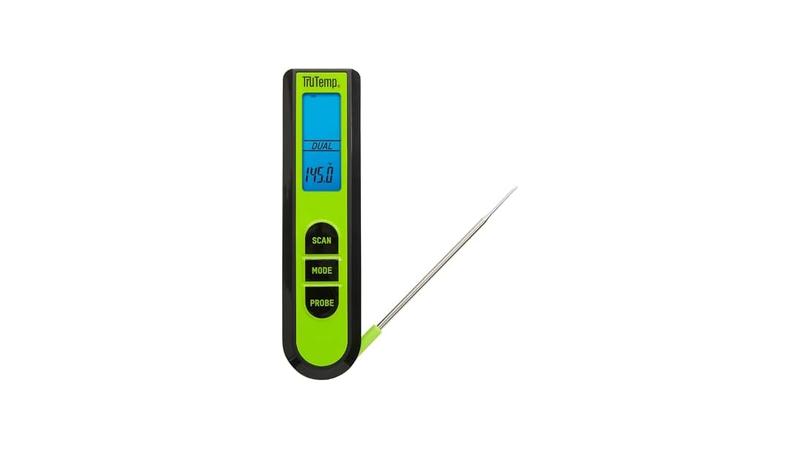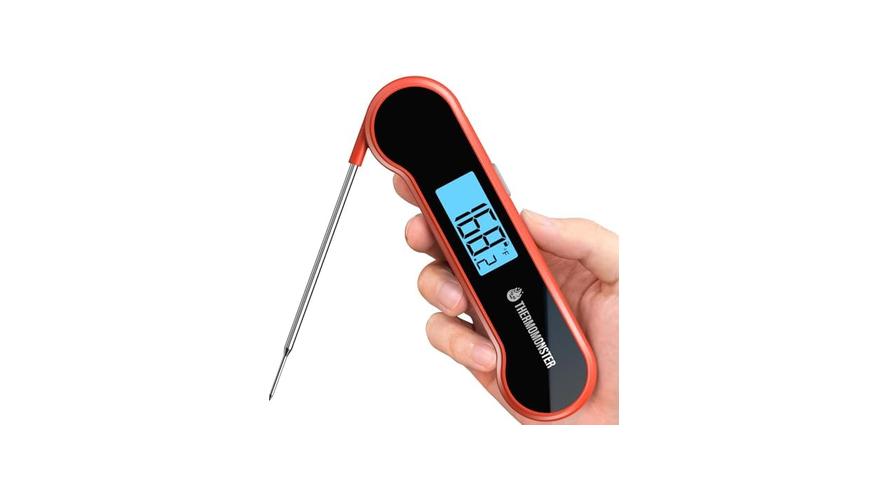
It can be frustrating when your meat thermometer suddenly turns off while you’re trying to cook. This often happens to folks just starting out with new gadgets, and it can feel like a puzzle. Don’t worry, though!
We’re going to walk through the common reasons this happens and show you how to fix it, step by step. Get ready to solve this common kitchen problem and make sure your cooking goes smoothly next time.
Why Your Meat Thermometer Keeps Shutting Off
When your meat thermometer stops working mid-cook, it can really throw off your meal plans. This is a frequent issue, especially for those new to using digital thermometers. The good news is that most of the time, the problem is quite simple to sort out.
This section will explore the most common culprits behind a thermometer that shuts off unexpectedly. We’ll look at everything from simple power issues to minor internal faults. Understanding these reasons is the first step to getting your thermometer back in action.
Low Battery Power
One of the most common reasons a thermometer might shut off is simply a weak battery. Digital devices need a consistent power source to stay on. When the battery gets low, the device doesn’t have enough juice to keep its circuits running.
This can lead to it turning off abruptly, even if the display still shows some life. Think of it like your phone when the battery is almost dead; it might work for a bit but then just quits.
- Battery Type: Ensure you are using the correct type of battery recommended by the manufacturer. Some devices are picky about this.
Using the wrong kind of battery, or one that isn’t fresh, can cause inconsistent power flow. This means the thermometer might work for a while but then fail when it needs a steady stream of energy. It’s always a good idea to start with a brand-new battery when you first notice problems.
- Battery Connection: Sometimes the battery isn’t making good contact. Check that the battery is seated properly and that the metal contacts are clean and free from corrosion.
If the contacts are dirty, they can’t conduct electricity well. A gentle wipe with a clean, dry cloth or a pencil eraser can often fix this. Make sure the battery is pushed in firmly.
- Battery Life: Batteries don’t last forever. Even if they seem okay, they can lose their charge over time. If your thermometer is old or hasn’t been used in a while, the battery might just be dead.
This is especially true for button-cell batteries, which are small but don’t hold as much power as larger ones. Replacing the battery with a new one from a reputable brand is often the easiest fix.
Automatic Shut-Off Feature
Many digital meat thermometers are designed with an automatic shut-off feature. This is meant to save battery life by turning the device off after a period of inactivity. While useful, it can sometimes be confusing if you’re not aware of it.
The thermometer might simply be going to sleep because it thinks you’re not using it.
- Default Timer: Most devices have a default timer, often between 5 to 10 minutes. If no buttons are pressed and the thermometer isn’t sensing temperature changes (like in an air environment), it will power down.
This is a common energy-saving setting. If your thermometer turns off while you’re waiting for meat to reach a certain temperature, it might just be hitting its inactivity limit. You’ll need to turn it back on to check again.
- Disabling the Feature: Some advanced models allow you to disable or adjust this auto-shutoff timer. Check your user manual to see if this is an option for your specific thermometer.
If you find the auto-shutoff feature annoying, see if you can turn it off. This will let the thermometer stay on for as long as you need it. The manual will guide you through the menu options.
- Sensor Interruption: Occasionally, the auto-shutoff can be triggered by a brief interruption in the sensor signal, even if it’s not truly inactive.
This is less common but can happen if the probe isn’t fully ‘s a minor electrical glitch. It’s worth considering if other battery-related issues have been ruled out.
Probe or Sensor Issues
The probe is the part of the thermometer that goes into the food. If the probe or its connection to the main unit is damaged, it can cause the thermometer to malfunction, including shutting off. This is because the thermometer might not be able to get a stable reading, or the connection might be faulty.
- Loose Connection: The probe often plugs into the main body of the thermometer. If this connection is loose, the thermometer might lose contact and turn off.
Make sure the probe is pushed in all the way. Sometimes, there’s a small screw or lock to secure it. Wiggle it gently to see if it’s loose.
A firm connection is key.
- Damaged Wire: The wire connecting the probe to the thermometer can get damaged over time, especially from bending or heat. If the wire is frayed or broken internally, it can disrupt the signal.
Inspect the wire carefully for any signs of damage. Don’t bend the wire sharply. If you see damage, it might be time to consider a replacement probe or a new thermometer.
- Corrosion: The metal contacts on the probe or inside the thermometer’s jack can corrode, especially if exposed to moisture. Corrosion acts as an insulator, preventing a good electrical connection.
You can often clean corroded contacts with a pencil eraser or a bit of isopropyl alcohol on a cotton swab. Make sure everything is completely dry before reassembling or plugging back in.
Troubleshooting Your Meat Thermometer Keeps Shutting Off
When your meat thermometer decides to quit unexpectedly, it’s time to become a kitchen detective. This part of the process is all about systematically checking the most likely causes and fixing them. We’ll guide you through a series of steps designed to get your thermometer working again without too much fuss.
Think of this as a handy checklist to bring your cooking gadget back to life.
Step 1: Check and Replace the Battery
The very first thing to do is address the power source. A simple battery change can solve a surprising number of problems. Even if you think the battery is new, it’s worth trying a fresh one to rule this out completely.
This is often the quickest and easiest fix.
- Remove the Old Battery: Open the battery compartment on your thermometer. Gently remove the old battery.
Note the orientation of the battery before you take it out (positive and negative sides). This will help you put the new one in correctly.
- Inspect the Compartment: Look inside the battery compartment for any dust, lint, or corrosion. Clean it out with a dry cotton swab if needed.
A clean compartment ensures good contact between the battery and the metal connectors.
- Insert a New Battery: Put in a brand-new battery of the correct type and size. Make sure the positive (+) and negative (-) ends are facing the right way, just like the old one was.
Using a high-quality battery from a trusted brand can also make a difference in how long it lasts and how reliably it powers your device.
- Test the Thermometer: Turn on the thermometer and see if it stays on. Try it out by holding it in the air for a few minutes or by inserting it into a piece of food if you’re ready to cook.
If it stays on and functions normally, you’ve likely found your solution. If it still shuts off, move on to the next steps.
Step 2: Examine the Probe Connection
If a new battery didn’t do the trick, the next logical step is to check how the probe is connected to the thermometer’s body. A poor connection here can interrupt the signal and cause shutdowns.
- Fully Insert the Probe: Make sure the probe is pushed all the way into the socket on the thermometer. Sometimes, it just needs a firmer push to seat properly.
You might hear a slight click or feel it lock into place if it’s designed that way. Ensure there are no obstructions preventing it from going in all the way.
- Inspect for Damage: Carefully look at the metal plug on the probe and the socket on the thermometer. Are there any bent pins, dirt, or corrosion?
If you see dirt, try cleaning it gently with a dry cotton swab. For corrosion, a very small amount of isopropyl alcohol on a swab can help, but make sure it evaporates completely before reinserting.
- Secure the Connection (if applicable): Some probes have a small screw or locking mechanism to hold them in place. Make sure this is tightened if your model has one.
A loose connection is a common culprit for intermittent shutdowns. This securing feature prevents the probe from wiggling loose during use.
- Test the Connection: Gently move the probe around where it connects. Does the thermometer flicker or shut off?
If wiggling the probe causes it to turn off, you’ve likely found the problem. The connection might be faulty and may require repair or replacement.
Step 3: Check for Auto Shut-Off Settings
If the battery and probe connection seem fine, consider if the automatic shut-off feature is the culprit. Many thermometers turn themselves off to save power after a period without use. This is a designed feature, not a defect.
- Review Your Manual: Find your thermometer’s user manual. Look for information on “auto shut-off,” “power saving mode,” or “timeout settings.”
The manual will tell you if your thermometer has this feature and how it works. It will also explain if you can change or disable it.
- Observe Usage Patterns: Do you notice it shuts off after a specific amount of time? For example, if it turns off after 10 minutes of sitting idle, it’s probably the auto-shutoff.
This is a key clue. If it consistently turns off after the same duration, the feature is likely active.
- Try to Adjust Settings: If your manual says you can change the auto-shutoff timer, follow the instructions to extend it or turn it off completely.
This might involve pressing a specific button sequence or navigating a menu. The goal is to prevent it from shutting down prematurely while you’re still cooking.
- Test After Adjustment: After changing the settings, leave the thermometer on for longer than the usual shut-off time to see if it stays active.
This confirms whether the setting adjustment has resolved the issue. If your model doesn’t allow adjustments, you’ll just need to be prepared to turn it back on when needed.
Step 4: Inspect for Physical Damage
Sometimes, a thermometer can shut off due to physical damage that isn’t immediately obvious. This could be from a drop, impact, or exposure to extreme conditions. Even small cracks can affect internal components.
- Examine the Casing: Look closely at the main body of the thermometer. Are there any cracks, dents, or signs of impact damage?
Physical damage can dislodge internal circuit boards or damage sensitive electronics, leading to unpredictable behavior like shutting off.
- Check the Probe Wire: Pay close attention to the entire length of the probe wire. Bend it gently and look for any signs of fraying, kinks, or breaks, especially near the probe tip and where it connects to the handle.
A damaged wire can cause intermittent signals or complete signal loss, which might trigger the device to shut down.
- Water Damage: Has the thermometer or probe ever been submerged in water or washed in a dishwasher (unless it’s specifically stated as dishwasher-safe)?
Water can get inside the electronics and cause corrosion or short circuits, leading to malfunctions. Signs of water damage might include fogging under the display or unusual behavior.
- Heat Exposure: Has the thermometer been exposed to excessive heat, such as being left too close to a flame or in a very hot oven without protection?
High temperatures can damage plastic components and the internal electronics, affecting its ability to operate correctly. If you find significant physical damage, especially water or heat damage, it might be difficult or impossible to repair reliably, and replacement may be necessary.
When the Meat Thermometer Keeps Shutting Off: Advanced Solutions
If the basic troubleshooting steps haven’t resolved the problem of your meat thermometer shutting off, it’s time to look at some more involved solutions. This might involve cleaning internal components or understanding potential faults in the electronics. These methods are for those who are comfortable with a bit more hands-on work.
We’ll explore what else could be causing the issue and how to address it.
Cleaning Internal Contacts
Sometimes, the issue isn’t just on the surface. Dirt, grease, or even microscopic debris can get into the connection points inside the thermometer’s jack where the probe plugs in. This can interfere with the electrical signal, leading to shutdowns.
- Prepare Your Tools: You will likely need a small cotton swab, some isopropyl alcohol (90% or higher is best), and possibly a small, non-metallic tool like a toothpick for gentle scraping.
Ensure you are working in a well-lit area. Isopropyl alcohol is preferred because it evaporates quickly and leaves no residue.
- Access the Jack: If the probe jack is accessible after removing the probe, gently insert the cotton swab lightly dampened with isopropyl alcohol into the jack.
Rotate the swab to clean the inside walls of the jack. Be careful not to push too hard or leave any cotton fibers behind.
- Clean the Probe Plug: Similarly, use a cotton swab with isopropyl alcohol to clean the metal plug on the end of the probe itself.
This ensures both sides of the connection are clean. If there’s any visible corrosion or stubborn grime, you might use the toothpick to very gently scrape away deposits, but avoid scratching the metal.
- Allow to Dry Completely: It is absolutely crucial that both the jack and the probe plug are completely dry before you reassemble and test.
Give them at least 15-30 minutes to air dry, or you can use a puff of compressed air if you have it. Moisture can cause short circuits.
- Reassemble and Test: Once dry, firmly reinsert the probe into the jack. Turn on the thermometer and see if it remains stable.
This thorough cleaning can re-establish a solid electrical connection, which is vital for consistent performance and preventing shutdowns.
Reseating the Probe Cable
In some thermometers, the probe cable is not permanently attached but is inserted into the main body of the unit. Over time, or due to rough handling, this connection can become loose internally. This is more common in higher-end models with replaceable probes.
- Identify the Connection Point: Locate where the probe cable enters the thermometer’s body. Some models might have a small screw or clip holding a cover in place.
Refer to your manual to see if there’s a specific way to access this connection. Avoid forcing anything.
- Open the Housing (if necessary): If there’s a visible screw or a seam, you may need to carefully open the thermometer’s casing. Use a small Phillips head screwdriver if needed.
Take note of how the parts come apart so you can reassemble it correctly. Be gentle with plastic clips, as they can break.
- Check the Internal Connection: Inside, you should see where the probe wire connects to the thermometer’s circuit board or a connector. Ensure this connection is secure and hasn’t come loose.
Sometimes, wires can pull out of their terminals or connectors can become dislodged. Gently push the wire or connector to ensure it’s seated firmly.
- Inspect for Damage: While the unit is open, check for any obvious signs of damage to the circuit board or wires, such as burns, corrosion, or cuts.
If you see significant damage, repair might be beyond a simple fix, but a loose wire is often an easy correction.
- Reassemble and Test: Carefully put the casing back together, ensuring all screws or clips are secured. Turn on the thermometer and check its stability.
A firm internal connection is just as important as an external one. Reseating it can often restore proper function and eliminate those annoying shutdowns.
Contacting Customer Support
If you’ve tried all the above steps and your thermometer still insists on shutting off, it might be time to reach out for professional help. Many manufacturers offer customer support, and they can guide you through specific troubleshooting for your model or arrange for a repair or replacement.
- Gather Your Information: Have your thermometer’s model number, serial number (if applicable), and proof of purchase ready.
Knowing these details will help customer support identify your specific product and its warranty status.
- Explain the Problem Clearly: Describe exactly what is happening, including when the thermometer shuts off and what troubleshooting steps you have already taken.
Be specific. For example, “It shuts off after about 5 minutes of use, even with a new battery and the probe firmly connected.”
- Inquire About Warranty: Ask if your thermometer is still under warranty. If it is, you may be eligible for a free repair or replacement.
Warranty coverage is your best bet for a cost-free resolution if the issue is a manufacturing defect.
- Ask About Repair Options: If the warranty has expired, ask if they offer out-of-warranty repair services and what the estimated cost would be.
Sometimes, paying for a repair is more economical than buying a brand-new unit, depending on the cost and complexity.
- Consider Replacement: If repairs are too expensive or not possible, customer support can advise you on the best replacement options or current models.
They might even offer a discount on a new purchase. Reaching out to support ensures you’re getting the most accurate advice for your specific situation.
Common Meat Thermometer Issues: A Comparative View
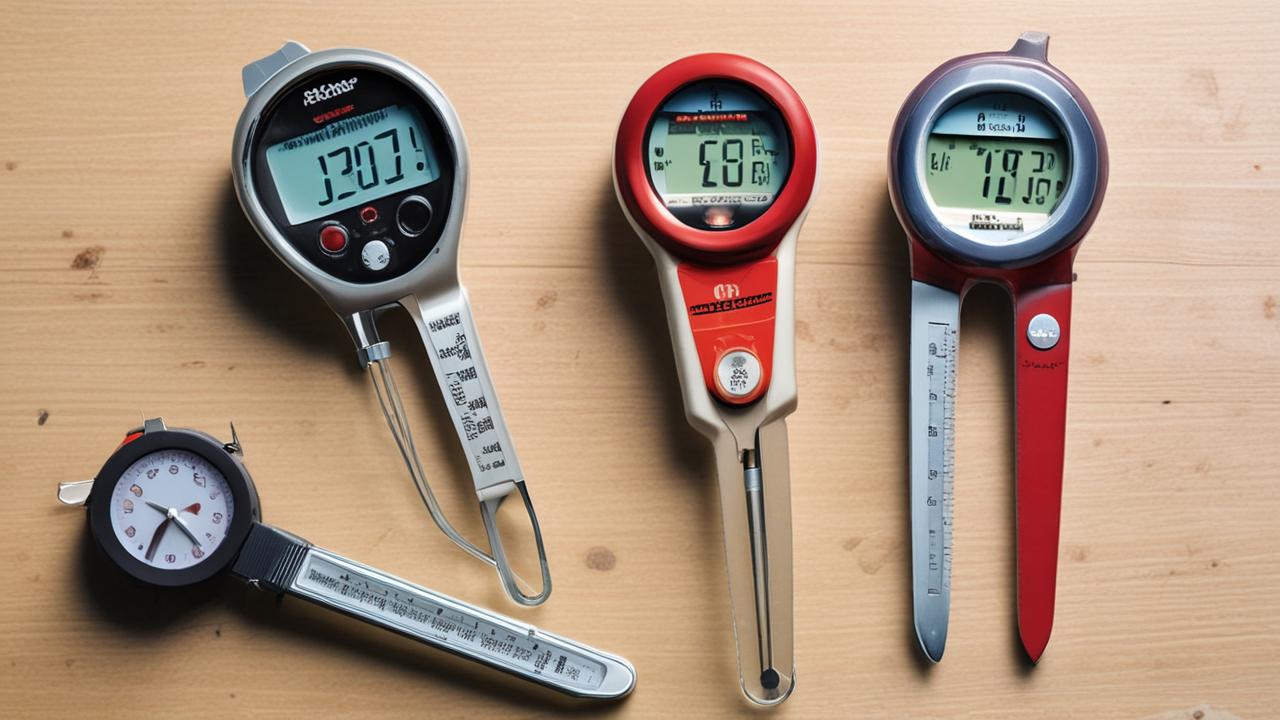
When your meat thermometer malfunctions, it’s helpful to see how different problems stack up against each other. Some issues are much simpler to fix than others. Understanding these differences can help you prioritize your troubleshooting efforts.
This comparison table breaks down common problems, their typical causes, and how easy they are to resolve.
| Problem | Likely Cause | Ease of Fix | Common Tools Needed |
|---|---|---|---|
| Shuts Off Randomly | Low Battery, Auto Shut-Off, Loose Probe Connection | Easy to Moderate | New Battery, Screwdriver (sometimes) |
| Inaccurate Readings | Damaged Probe, Calibration Issue, Not Inserted Deeply Enough | Moderate | Cleaning supplies, Calibration kit (rarely) |
| Display Flickers | Loose Battery Connection, Faulty Internal Wire, Damaged Screen | Moderate to Difficult | Cleaning supplies, Screwdriver, Soldering iron (rarely) |
| Probe Not Detected | Severed Probe Wire, Corroded Jack, Internal Connector Loose | Moderate to Difficult | Cleaning supplies, Screwdriver, Soldering iron (rarely) |
| Buttons Not Responding | Dirt Under Buttons, Damaged Button Mechanism, Circuit Board Issue | Moderate to Difficult | Cleaning supplies, Small tools, Screwdriver |
As you can see, issues like low batteries or auto-shutoff features are generally the easiest to tackle. These often require just a few simple steps and common household items. Problems related to the probe wire or internal connections can be a bit more challenging and might require opening the device, which carries a small risk of further damage if not done carefully.
Inaccurate readings can sometimes be solved with a simple cleaning or by ensuring proper usage, but a physically damaged probe usually means
Frequently Asked Questions
Question: My meat thermometer turns off very quickly after I turn it on. What should I do?
Answer: This is often a sign of a very low battery or a faulty battery connection. Try replacing the battery with a brand new one. Also, make sure the battery is inserted correctly and the compartment is clean.
If it still shuts off quickly, check the probe connection for looseness or dirt.
Question: Can I leave my meat thermometer on while the food is cooking?
Answer: Many digital meat thermometers are designed with an auto-shutoff feature to save battery life. If yours does this, it will turn off after a set period of inactivity. Check your user manual to see if you can disable this feature or if you just need to turn it back on periodically.
Question: My thermometer probe wire seems kinked. Is this a problem?
Answer: Yes, a kinked or bent probe wire can damage the internal wires, leading to intermittent signals or complete failure. This can cause the thermometer to shut off or give inaccurate readings. Inspect the wire for any damage and avoid bending it sharply.
Question: I dropped my thermometer, and now it keeps shutting off. What’s wrong?
Answer: Dropping a thermometer can damage its internal components. It might have dislodged a connection, cracked a circuit board, or broken the probe wire internally. If simple fixes like a new battery don’t work, the damage might be too significant for a home repair.
Question: How often should I replace the battery in my meat thermometer?
Answer: The frequency of battery replacement depends on how often you use the thermometer and the quality of the battery. Many digital thermometers can last for hundreds of hours of use on a single battery. It’s best to replace the battery when you notice performance issues, such as the thermometer shutting off unexpectedly or the display dimming.
Summary
When your meat thermometer keeps shutting off, it’s usually a simple fix. Start with a fresh battery and a clean probe connection. Check for an auto-shutoff feature in your manual.
If those don’t work, look for physical damage. For persistent problems, contact the manufacturer.